What do you want to achieve?
I’d like to use LVGL’s PC Simulator in Visual Studio Code with 1-bit color depth.
What have you tried so far? and Code to reproduce
I cloned GitHub - lvgl/lv_port_pc_vscode at release/v9.3 and followed its installation instructions for my Mac. It runs fine.
Then I changed line 29 of lv_conf.h from
#define LV_COLOR_DEPTH 32
to
#define LV_COLOR_DEPTH 1
Screenshot and/or video
The terminal shows this:
[Warn]  (0.000, +0)      lv_init: Memory integrity checks are enabled via LV_USE_ASSERT_MEM_INTEGRITY which makes LVGL much slower lv_init.c:309
[Warn]  (0.000, +0)      lv_init: Object sanity checks are enabled via LV_USE_ASSERT_OBJ which makes LVGL much slower lv_init.c:313
[Warn]  (0.000, +0)      lv_init: Style sanity checks are enabled that uses more RAM lv_init.c:317
[Error] (0.181, +181)    layer_reshape_draw_buf: Asserted at expression: ret != NULL (NULL pointer) lv_refr.c:675
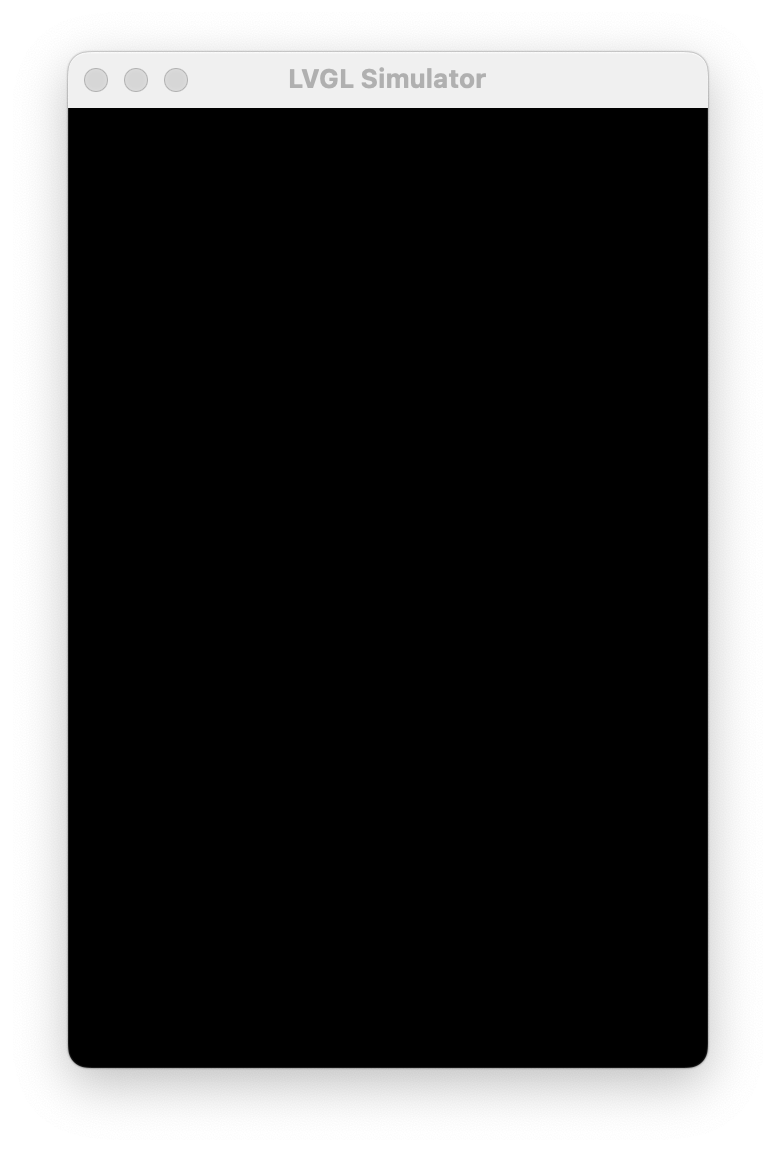
The simulator window opens but in the background. It is solid black and unresponsive. I wasn’t able to close it except by closing VSCode.
Environment
- MCU/MPU/Board: None; PC simulator in VSCode with SDL2 on an Arm Mac
- LVGL version: 9.3