What do you want to achieve?
I have an application that works fine running on a Raspberry Pi with WaveShare 4" Round display. I want to port that to a system that has a Raspberry Pi oficial Display Touch 2. By default with a fresh OS biuld, the DT2 orients portrait but this device will be used 90 degrees clockwise from current orientation.
So in the RPI /boot/firmware/cmdline.txt file I have:
console=serial0,115200 console=tty1 root=PARTUUID=e6c3210b-02 rootfstype=ext4 fsck.repair=yes rootwait quiet splash plymouth.ignore-serial-consoles ds=nocloud;i=rpi-imager-1794284396829 cfg80211.ieee80211_regdom=US video=DSI-2:720x1280@60,rotate=270
And the /boot/firmware/config.txt file contains at its end:
[all]
video=DSI-2:720x1280@60,rotate=90
dtoverlay=vc4-kms-dsi-ili9881-7inch,swapxy,invx
This orients the console correctly. Also, this system is set to boot to a command line, not to gui.
As I said, I have this working on another pi with differe3nt display. So (as I understand it) essentially I should only need to touch the display setup and the touch setup.
What have you tried so far?
ive tried omitting and including rotate commands. including and omitting set_resolution. I’ve tried a variety of setup parmaters - including playing with creation of buffers and such, finally landed on this (which still is not doing what I want, but does work (sideways) other than alignment problems easy to fix once the other is resolved:
int main(void) {
signal(SIGINT, handle_signal) ;
signal(SIGTERM, handle_signal) ;
signal(SIGHUP, handle_signal) ;
gethostname(hostname, sizeof(hostname)) ;
log_to_api("--- slate starting up. Hostname: %s, version: %s %s ---\n", hostname, __DATE__, __TIME__) ;
loadSettingsFromFile(¤t_settings, SETTINGS_PATH) ;
masterColorDropdownList = buildDropdownFromKVP(colorOptionsConst, "Master color dropdown list") ;
bgColorDropdownList = buildDropdownFromKVP(bgColorOptionsConst, "Background color dropdown list") ;
cityDropdownList = buildDropdownFromKVP(cityOptionsConst, "City dropdown list") ;
lv_init() ;
// ==========================================
// 1. DISPLAY SETUP
// ==========================================
lv_display_t * disp = lv_linux_drm_create() ;
if (disp == NULL) return 1 ;
lv_linux_drm_set_file(disp, "/dev/dri/card0", -1) ;
// Rotate the display 90 degrees clockwise
lv_display_set_rotation(disp, LV_DISPLAY_ROTATION_270) ;
// Tell LVGL the logical size is landscape
lv_display_set_resolution(disp, 1280, 720) ;
// ==========================================
// 2. TOUCHSCREEN SETUP
// ==========================================
lv_indev_t * touch = lv_evdev_create(LV_INDEV_TYPE_POINTER, "/dev/input/event5") ;
if (touch == NULL) {
print_log_line("ERROR: Could not open touchscreen.\n") ;
} else {
// Swap axes to match the display rotation
lv_evdev_set_swap_axes(touch, true) ;
}
Code to reproduce
#include “lvgl.h”
#include <unistd.h>
#include <stdio.h>
int main(void) {
lv_init();
// 1. Initialize the DRM display
lv_display_t * disp = lv_linux_drm_create();
if (disp == NULL) {
printf(“Failed to create DRM display\n”);
return 1;
}
// 2. Point to the Raspberry Pi 5 display hardware
lv_linux_drm_set_file(disp, “/dev/dri/card0”, -1);
// ==========================================
// THE ISSUE IS HERE
// ==========================================
// The kernel (cmdline.txt) is already rotating the 720x1280 DSI panel to landscape.
// If we apply rotation here, the image overlaps and squishes.
lv_display_set_rotation(disp, LV_DISPLAY_ROTATION_270);
lv_display_set_resolution(disp, 1280, 720);
// 4. Create a simple UI
lv_obj_t * label = lv_label_create(lv_screen_active());
lv_label_set_text(label, “Hello World!”);
lv_obj_center(label); // Center it on the screen
// 5. Main loop
while (1) {
lv_timer_handler();
usleep(5000); // 5ms sleep to prevent 100% CPU
}
return 0;
}
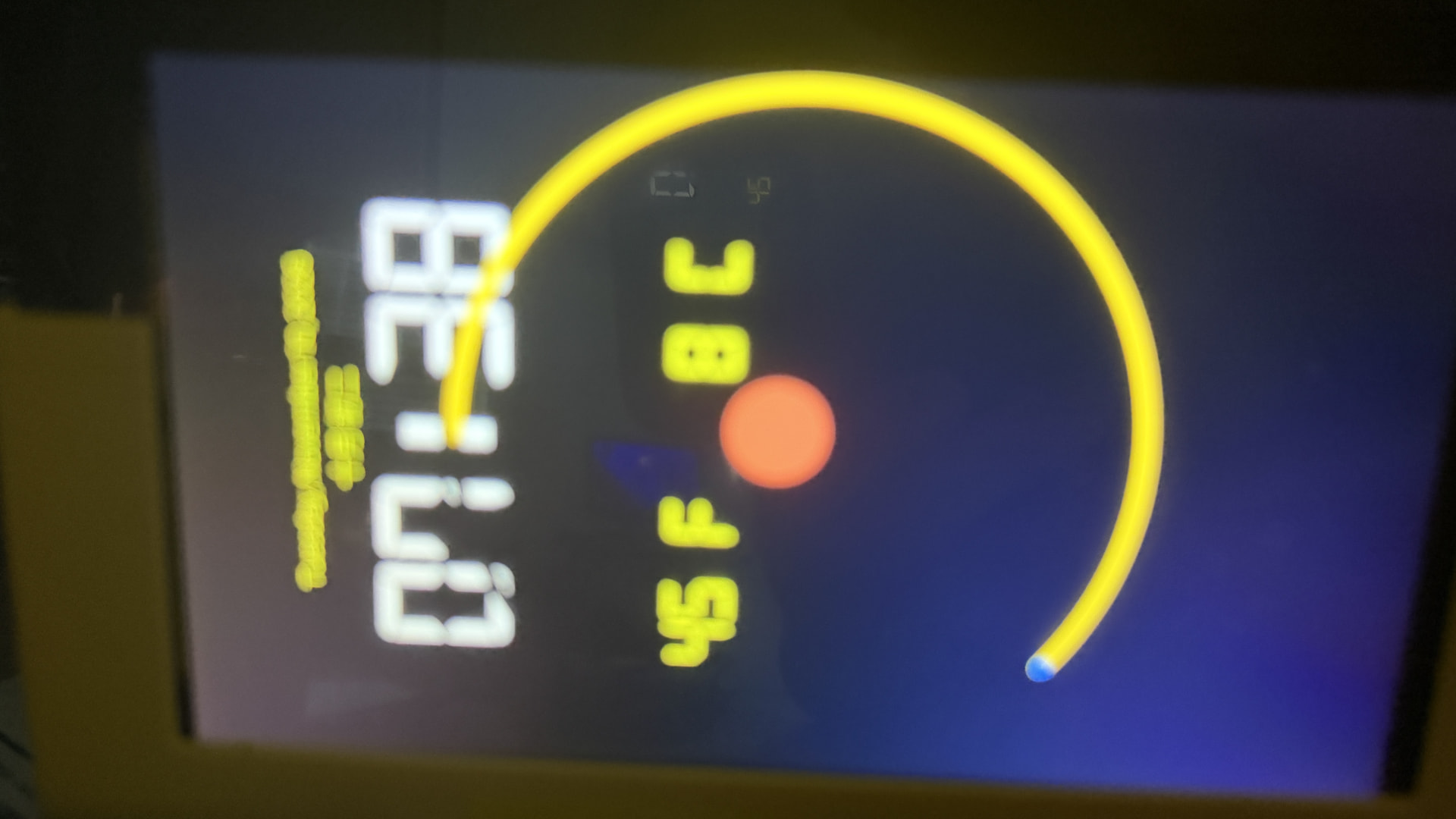
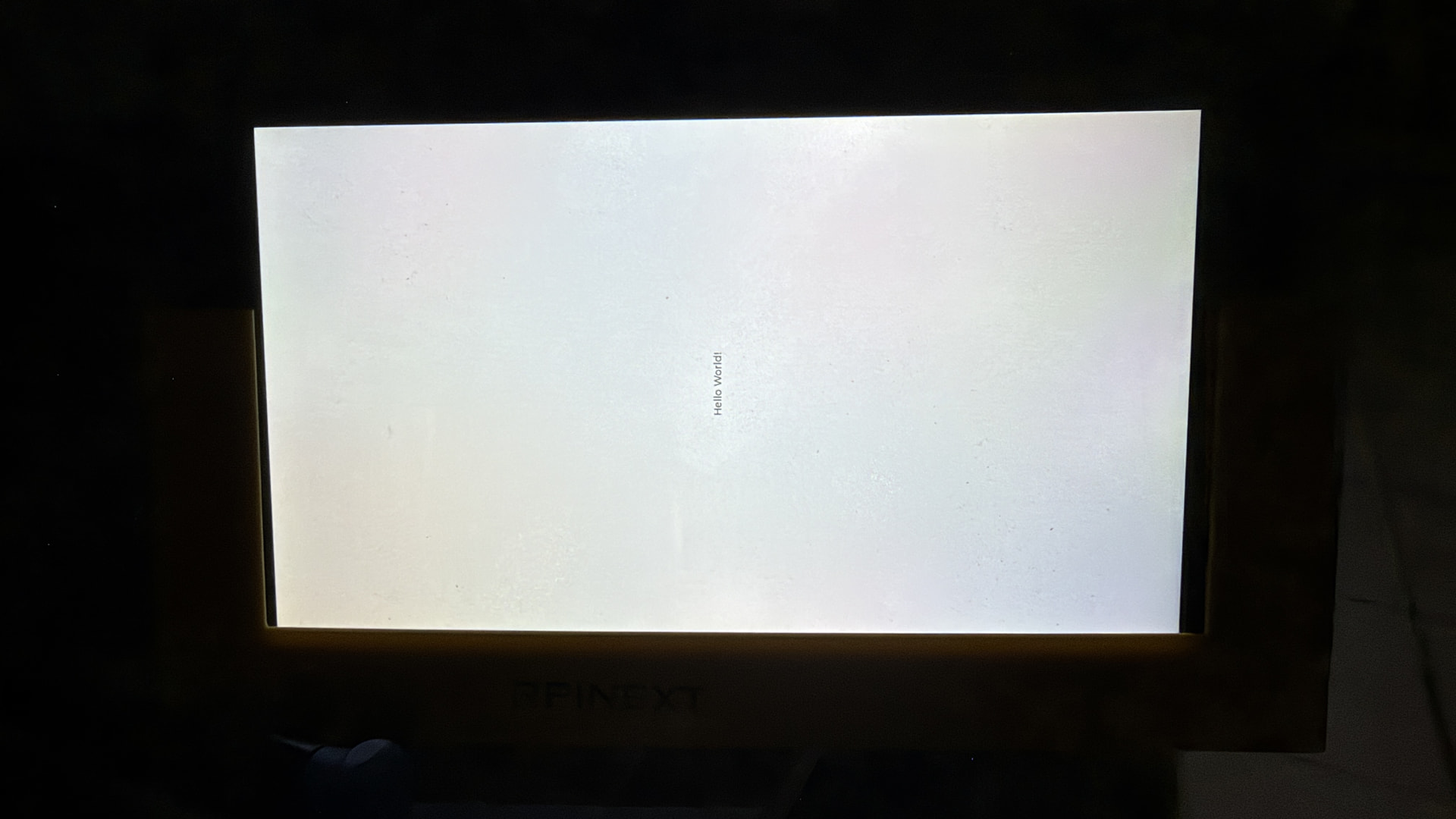
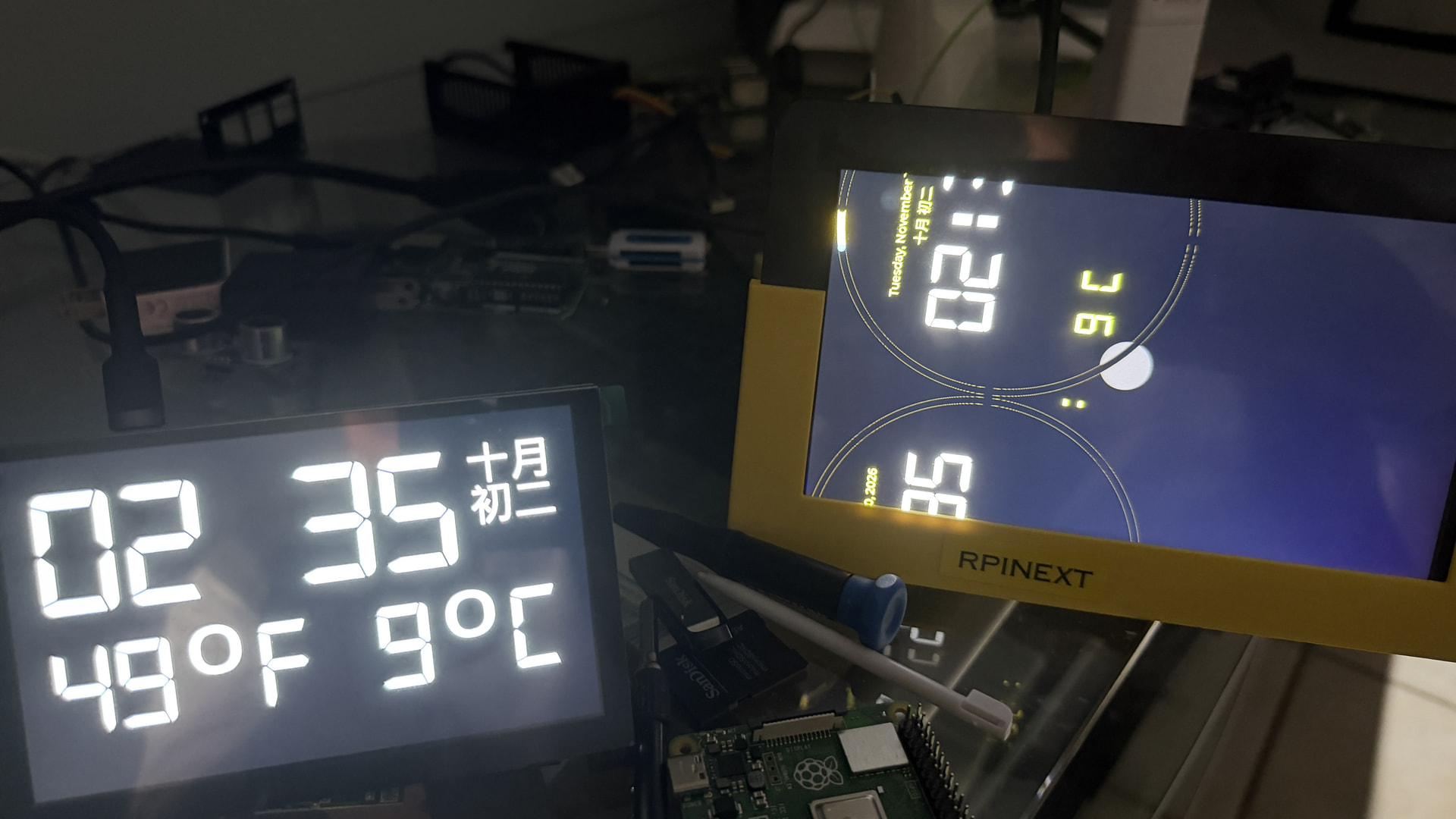
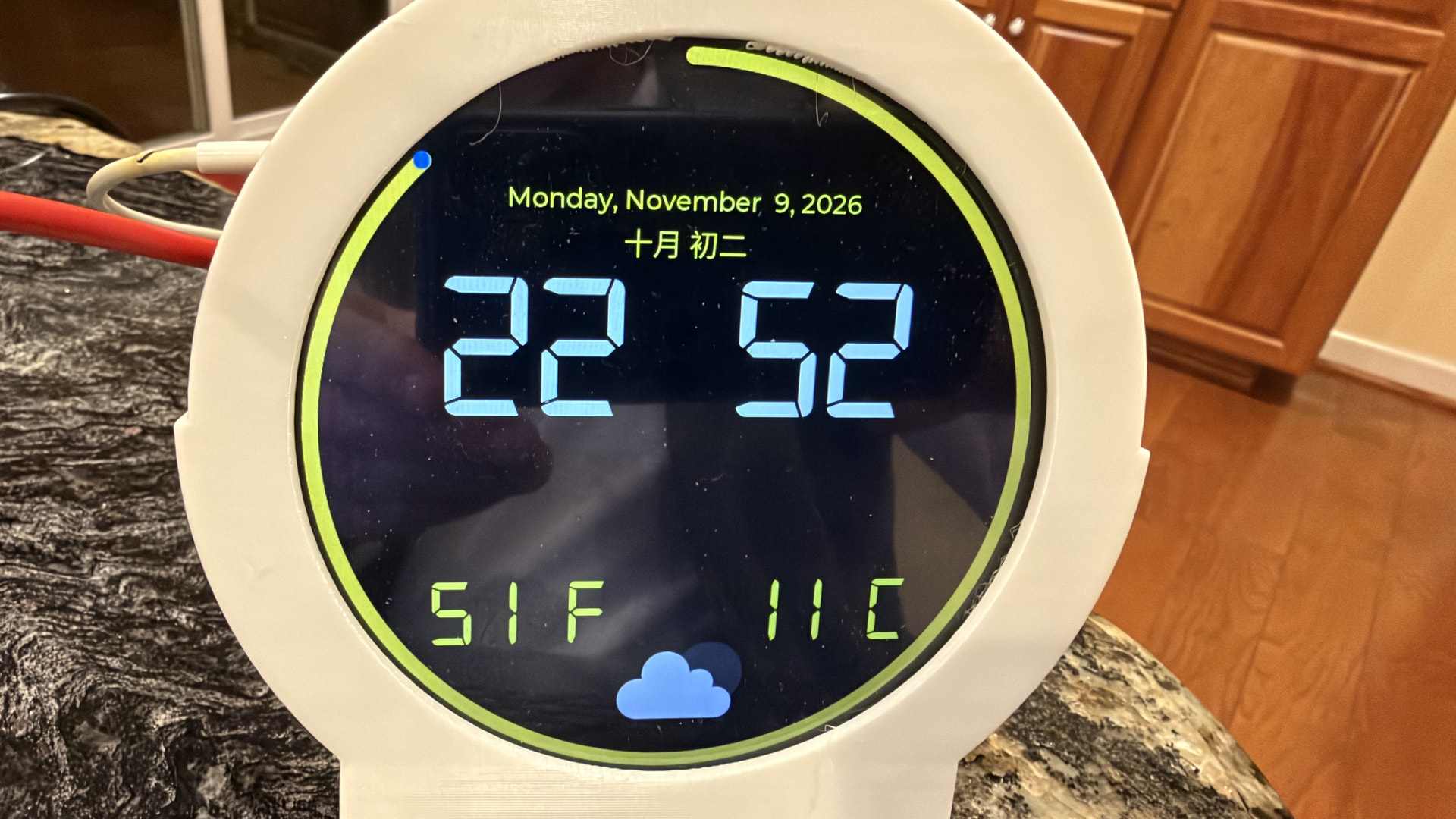
The circular device with the white case is what I’m trhying to achieve (of course things need to move around a bit). The other pictures (sorry about the quality) are various attempts at makng this comply. And the sample code above produces the one with the black-text on a white display.
Environment
Raspberry Pi 5 8GB
/**
- @file lv_version.h
- The current version of LVGL
*/
#ifndef LVGL_VERSION_H
#define LVGL_VERSION_H
#define LVGL_VERSION_MAJOR 9
#define LVGL_VERSION_MINOR 2
#define LVGL_VERSION_PATCH 3
#define LVGL_VERSION_INFO “dev”
#endif /* LVGL_VERSION_H */
RPi Display Touch 2 800 x 1280