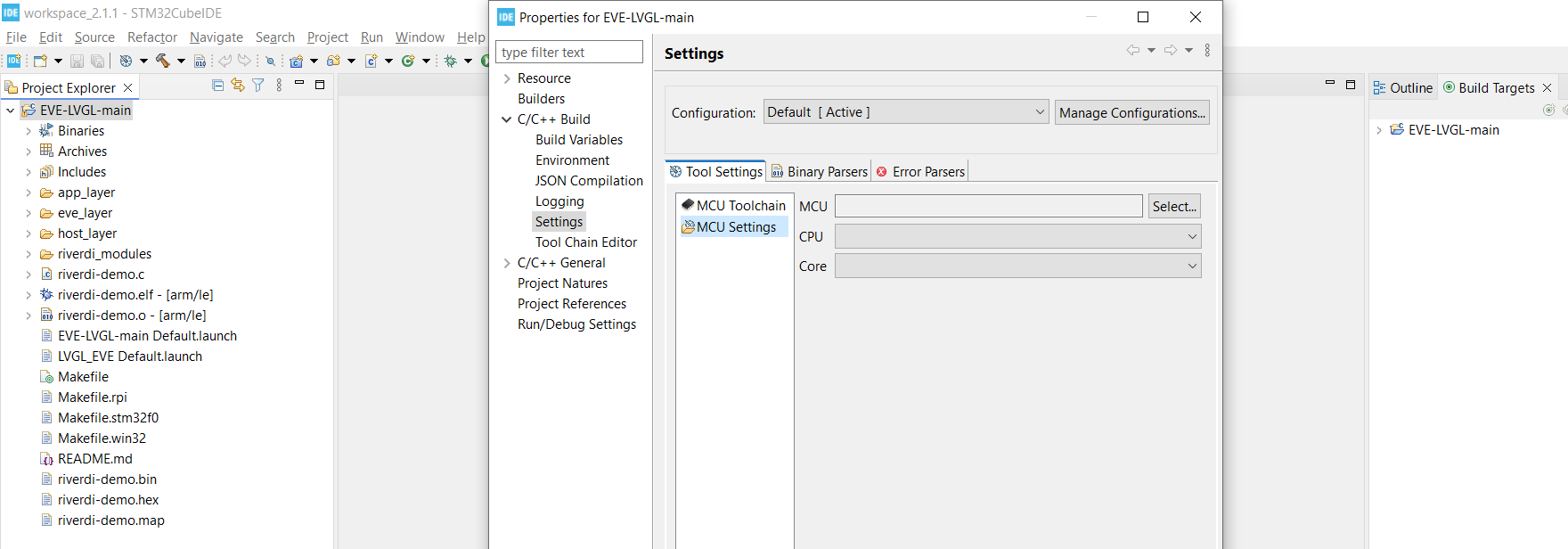
Hi all - first post here!
I’m trying get Riverdi’s LVGL demo working. This is the first time I have ever used STM32, LVGL and Cube IDE - so I’m hoping Riverdi’s video guide has just omitted something simple but crucial!
I’m using:
- STM32 Cube IDE (v2.1.1)
- ST-LINK V3SET (firmware version V3J17M10B6S1)
- Riverdi development board (LINK)
- Riverdi EVE4 7” display (LINK)
I’m following this video guide word for word and I have not done anything whatsoever over and above what is described in the video.
How to run LVGL on Riverdi EVE display - YouTube
The code seems to build successfully however when I try to debug/run I get the following error message (“not able to get mcu target”), which I assume is the crux of my problem.
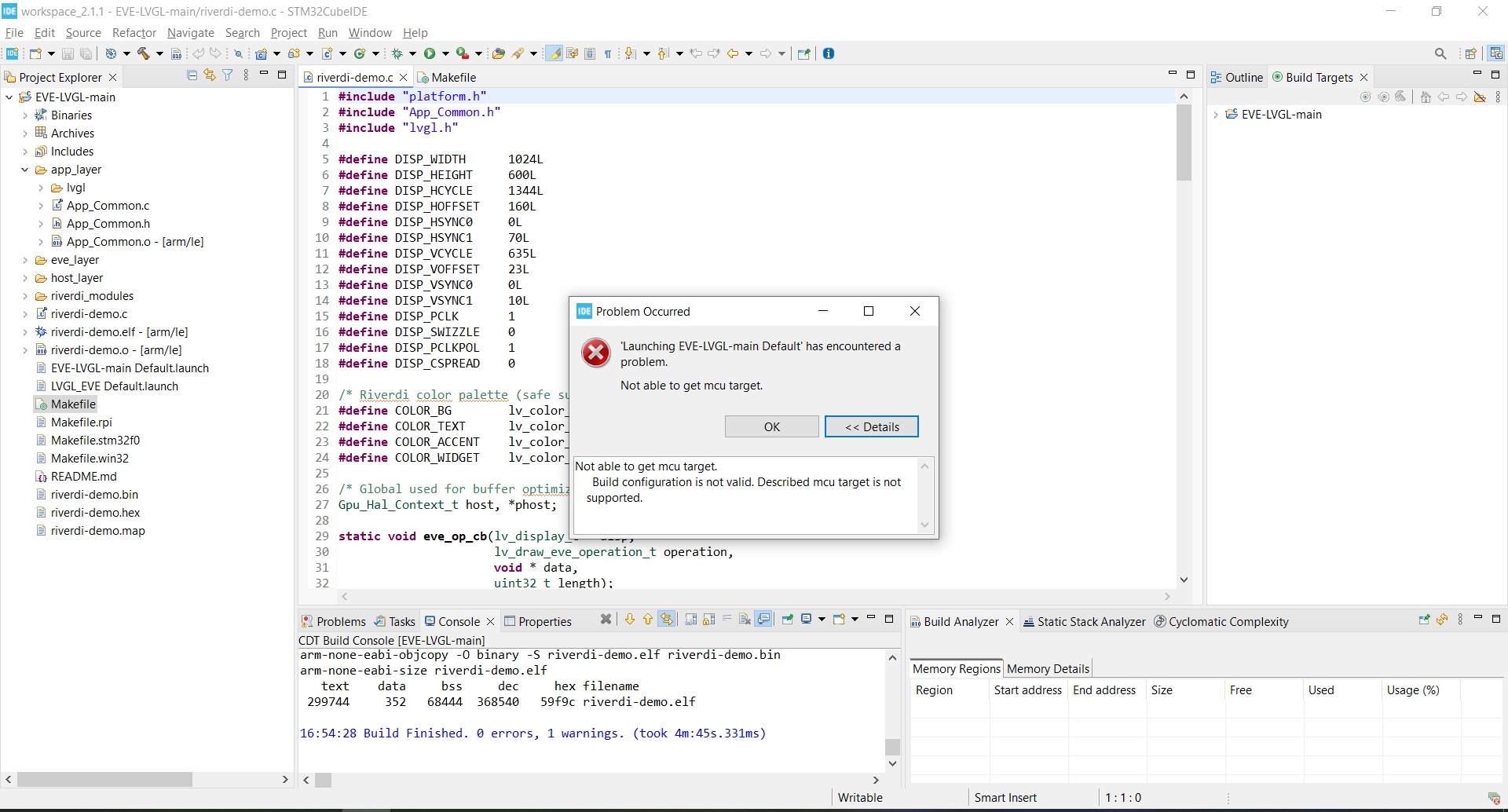
I’d really appreciate some help getting over this (hopefully very simple hurdle) so I can start to familiarise myself with STM32 and LVGL.
Thanks,
James