Hi,
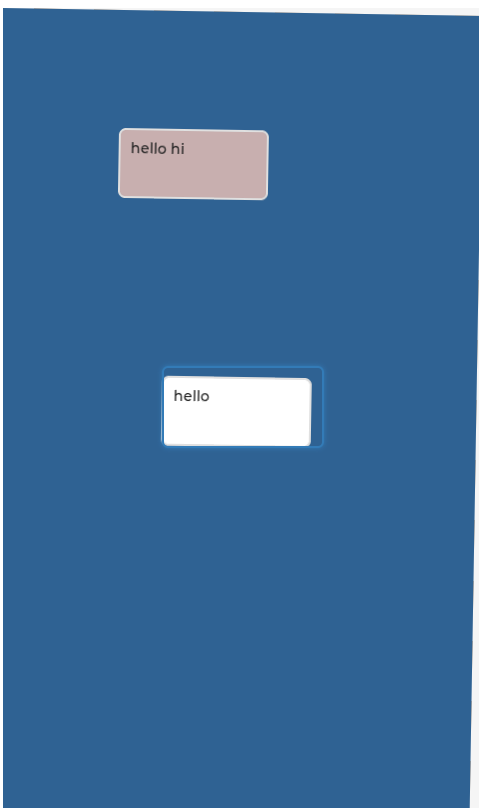
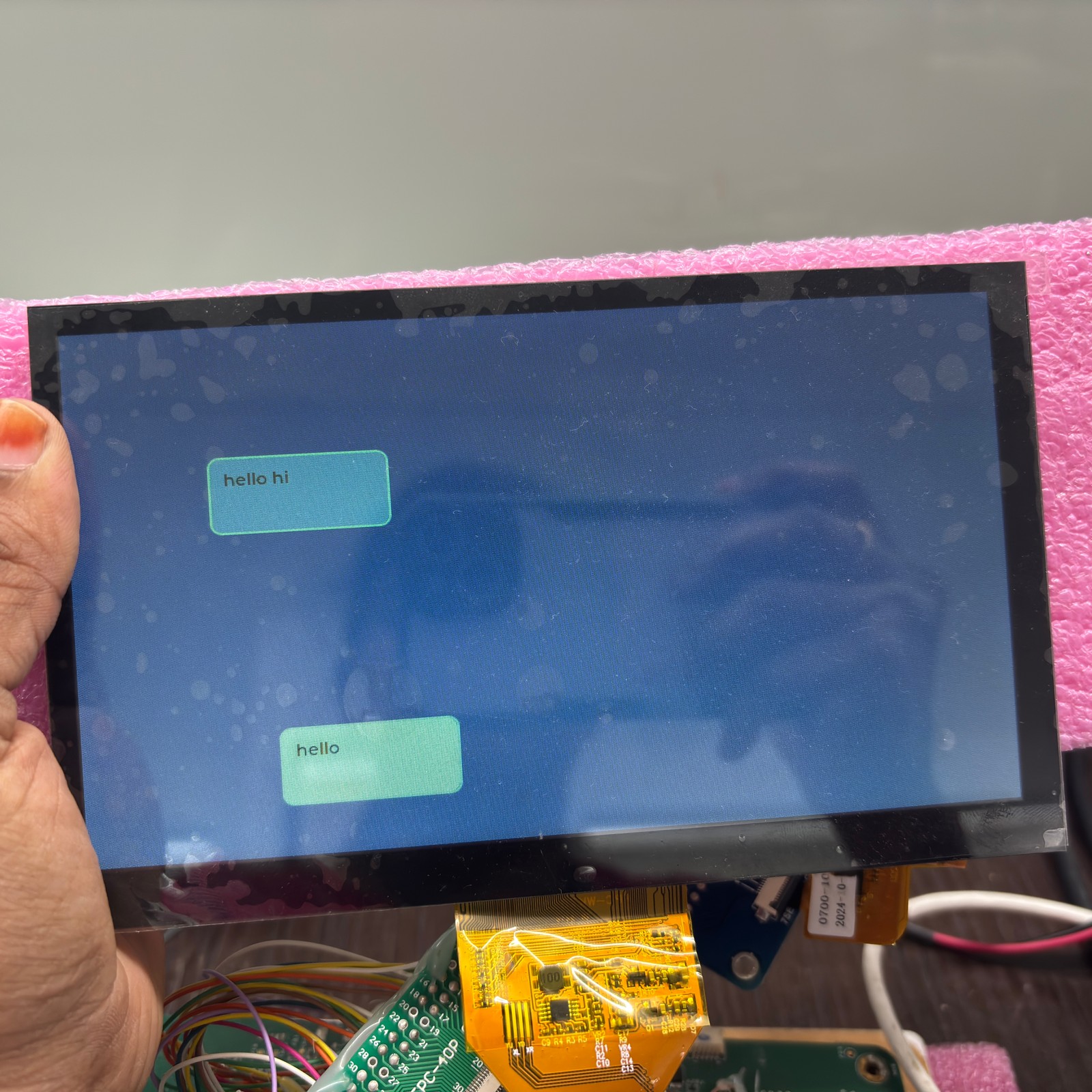
I designed my LVGL UI in 480x800 , but my display is 800x480 (landscape). I need to rotate the screen 90 degrees .
I tried:
**Is there an alternative way to rotate the screen in LVGL?
Thanks!
1 Like
karthikarajendran:
but it didn’t work.
what does it mean? you see ui in landscape orientation ? how did you configured display - 800x480 ?
Hi,
<dc {
pinctrl-0 = <<dc_vsync_pi9 <dc_hsync_pi10 <dc_g6_pi11 <dc_de_pf10
<dc_b5_pa3 <dc_g2_pa6 <dc_r3_pb0 <dc_r6_pb1
<dc_g5_pb11 <dc_r4_ph10 <dc_r5_ph11 <dc_r7_pg6
<dc_clk_pg7 <dc_b2_pc9 <dc_b3_pa8 <dc_b4_pa10
<dc_g3_ph14 <dc_g4_ph15 <dc_g7_pi2 <dc_b6_pb8
<dc_b7_pb9>;
// pinctrl-0 = <&pinctrl_ltdc>;
pinctrl-names = "default";
ext-sdram = <&sdram1>;
status = "okay";
width = <800>; // Horizontal resolution
height = <480>; // Vertical resolution
pixel-format = <PANEL_PIXEL_FORMAT_RGB_565>; // 32-bit color format
display-timings {
compatible = "zephyr,panel-timing";
de-active = <0>; // Data Enable polarity
pixelclk-active = <0>; // Pixel Clock polarity
hsync-active = <0>; // Horizontal Sync polarity
vsync-active = <0>; // Vertical Sync polarity
hsync-len = <19>; // Horizontal Sync pulse width
vsync-len = <9>; // Vertical Sync pulse width
hback-porch = <46>; // Horizontal Back Porch
vback-porch = <23>; // Vertical Back Porch
hfront-porch = <210>; // Horizontal Front Porch
vfront-porch = <22>; // Vertical Front Porch
};
def-back-color-red = <0>;
def-back-color-green = <0xff>; // Green background
def-back-color-blue = <0>;
};
What version of Zephyr are you using? As far as I remember in versions below 2.7 LVGL resolution defined independent of display resolution.
karthikarajendran:
lv_disp_set_rotation
are you sure it is called in your appl (in particular after lvgl has been initilized, lvgl_init() call) ?
EDIT: and what is disp ?
Yes, I am calling lv_disp_set_rotation after calling lv_init. And I don’t understand your question about “disp”.
you are using disp variable. what is it ? how is it initilized ?
I think lv_disp_set_rotation() should be called after lv_disp_drv_register() in lvgl_init(), and if you are want to use single display lv_disp_get_default() instead of disp.lv_disp_set_rotation(lv_disp_get_default(), disp_rot); in user application code (not in zephyr code)lvgl_init() is a part of zephyr module code, and with
SYS_INIT(lvgl_init, APPLICATION, CONFIG_APPLICATION_INIT_PRIORITY);
executed just before application code (main).
Thanks for you suggestion, i have one more doubt about screen rotation
my display natually build-in horizontal co-ordination of the framebuffer , but my screen design was vertical co-ordination how to change co-ordination horizontal to verical using frame buffer,