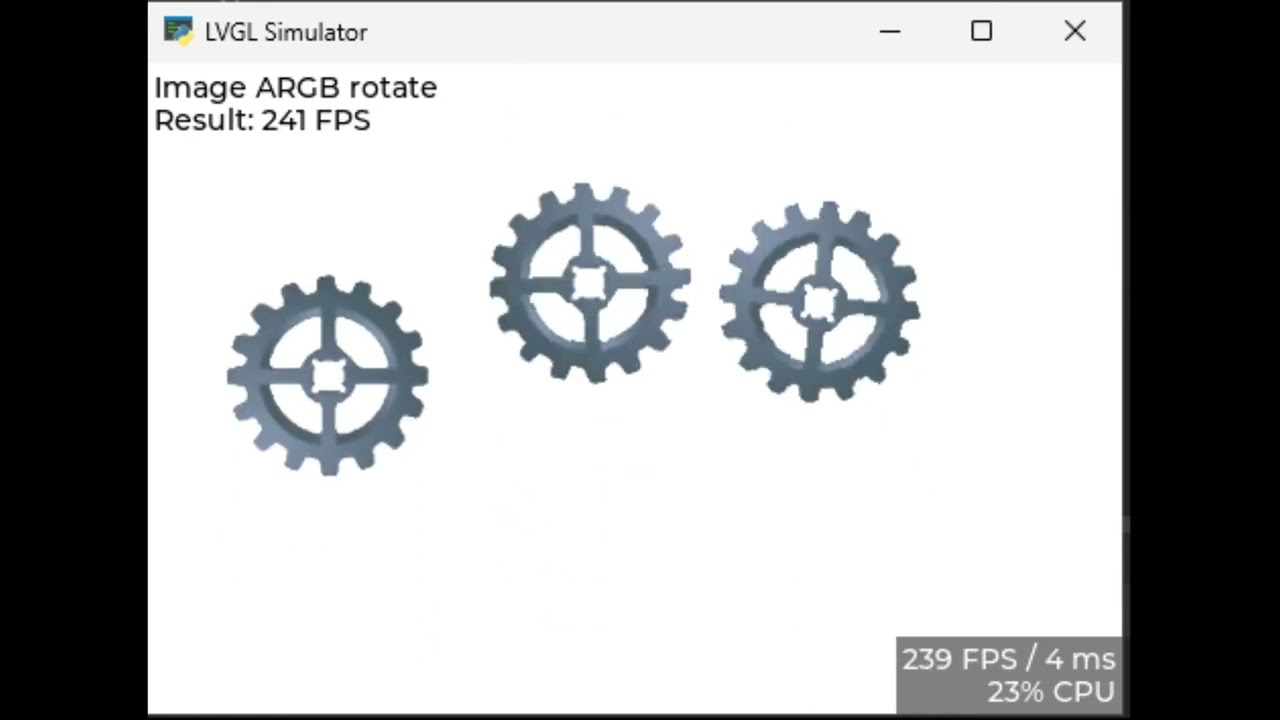
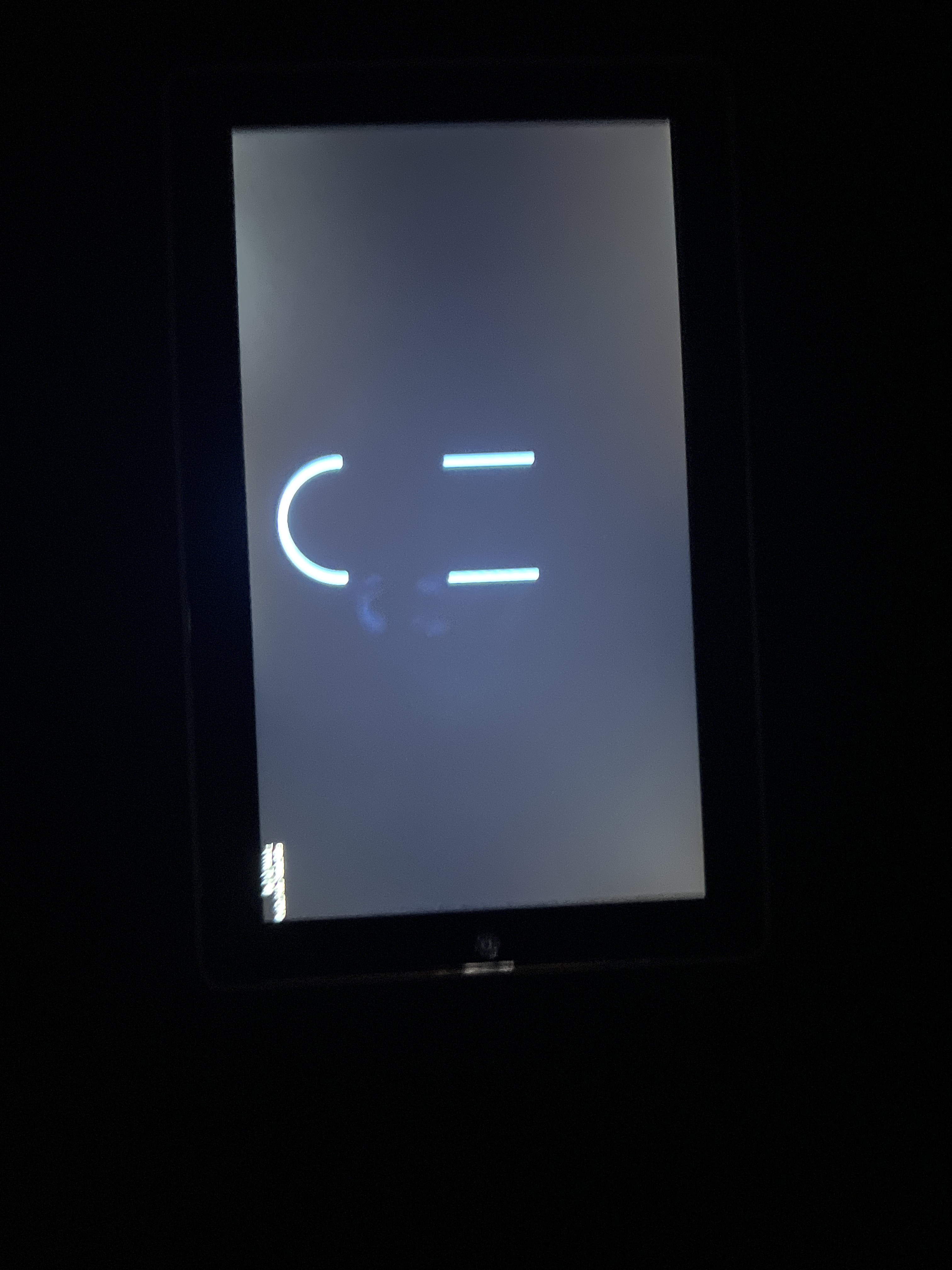
I ran LVGL on my Tab5 at a max of 62 FPS: but here’s a difference on my old lvgl V9.3 code from August 2025 (runs on arduino):
#include <Arduino.h>
#include <M5GFX.h>
#include <lvgl.h>
M5GFX display;

void lv_disp_flush(lv_display_t * disply, const lv_area_t * area, uint8_t * px_map){uint16_t * buf16 = (uint16_t *)px_map;uint32_t w = (area->x2 - area->x1 + 1);uint32_t h = (area->y2 - area->y1 + 1);display.pushImageDMA(area->x1,area->y1, w,h,buf16);lv_disp_flush_ready(disply);}
static void lv_indev_read(lv_indev_t * indev, lv_indev_data_t * data){lgfx::touch_point_t tp[3];uint8_t touchpad = display.getTouchRaw(tp,3);if (touchpad > 0){data->point.x = tp[0].x;data->point.y = tp[0].y;data->state = LV_INDEV_STATE_PRESSED;} else {data->state = LV_INDEV_STATE_RELEASED;}}
uint32_t my_get_millis(void){return (esp_timer_get_time() / 1000LL);}
void setup()
{
    /*Initialize Tab5 MIPI-DSI display*/
    display.init();
    display.setRotation(3);
    Serial.begin(115200);//for debug

    /*Initialize LVGL*/
    lv_init();
    lv_tick_set_cb(my_get_millis);lv_display_t * disply = lv_display_create(display.height(),display.width());lv_display_set_color_format(disply, LV_COLOR_FORMAT_RGB565_SWAPPED);static uint8_t buf1[1280 * 720 / 10 * 2];
    lv_display_set_buffers(disply, buf1, NULL, sizeof(buf1), LV_DISPLAY_RENDER_MODE_PARTIAL);lv_display_set_flush_cb(disply, lv_disp_flush);lv_indev_t * indev = lv_indev_create();lv_indev_set_type(indev, LV_INDEV_TYPE_POINTER);lv_indev_set_read_cb(indev, lv_indev_read);lv_display_set_rotation(disply,LV_DISPLAY_ROTATION_90);
    /*Start UI*/
    lv_obj_set_style_bg_color(lv_screen_active(),lv_color_black(),0);
    static lv_point_precise_t line_points[] = { {200, 170}, {200, 30} };
    static lv_point_precise_t line_points2[] = { {200, 170}, {200, 30} };
    static lv_style_t style_line;
    lv_style_init(&style_line);
    lv_style_set_line_width(&style_line, 8);
    lv_style_set_line_color(&style_line, lv_palette_main(LV_PALETTE_BLUE));
    lv_style_set_line_rounded(&style_line, true);
    lv_obj_t * line1;
    line1 = lv_line_create(lv_screen_active());
    lv_line_set_points(line1,line_points, 2);     //Set the points
    lv_obj_add_style(line1, &style_line, 0);
    lv_obj_align(line1, LV_ALIGN_CENTER,  0, -50);
    lv_obj_t * line2;
    line2 = lv_line_create(lv_screen_active());
    lv_line_set_points(line2,line_points2, 2);     //Set the points
    lv_obj_add_style(line2, &style_line, 0);
    lv_obj_align(line2, LV_ALIGN_CENTER,  -190, -50);
    lv_obj_t * arc = lv_arc_create(lv_screen_active());
    lv_obj_set_size(arc, 200, 200);
    lv_arc_set_rotation(arc, 135);
    lv_arc_set_bg_angles(arc, 225, 45);
    lv_arc_set_value(arc, 100);
    lv_obj_remove_style(arc, NULL, LV_PART_KNOB);
    lv_obj_clear_flag(arc, LV_OBJ_FLAG_CLICKABLE);
    lv_obj_align(arc, LV_ALIGN_BOTTOM_MID, 0, -50);
    display.setBrightness(255);
}


void loop()
{
  lv_timer_handler();
  delay(1);
}
and the new one: (I had to mod the old one’s code in this text currently to show the new example):
#include <Arduino.h>
#include <M5GFX.h>
#include <lvgl.h>
M5GFX display;

void lv_disp_flush(lv_display_t * disply, const lv_area_t * area, uint8_t * px_map){uint16_t * buf16 = (uint16_t *)px_map;uint32_t w = (area->x2 - area->x1 + 1);uint32_t h = (area->y2 - area->y1 + 1);display.pushImageDMA(area->x1,area->y1, w,h,buf16);lv_disp_flush_ready(disply);}
static void lv_indev_read(lv_indev_t * indev, lv_indev_data_t * data){lgfx::touch_point_t tp[3];uint8_t touchpad = display.getTouchRaw(tp,3);if (touchpad > 0){data->point.x = tp[0].x;data->point.y = tp[0].y;data->state = LV_INDEV_STATE_PRESSED;} else {data->state = LV_INDEV_STATE_RELEASED;}}
uint32_t my_get_millis(void){return (esp_timer_get_time() / 1000LL);}
void setup()
{
    /*Initialize Tab5 MIPI-DSI display*/
    display.init();
    display.setRotation(3);
    Serial.begin(115200);//for debug

    /*Initialize LVGL*/
    lv_init();
    lv_tick_set_cb(my_get_millis);lv_display_t * disply = lv_display_create(display.height(),display.width());lv_display_set_color_format(disply, LV_COLOR_FORMAT_RGB565_SWAPPED);static uint8_t* buf1 = (uint8_t*)ps_malloc(M5.Display.width()*M5.Display.height()*(LV_COLOR_DEPTH/16));static uint8_t* buf2 = (uint8_t*)ps_malloc(M5.Display.width()*M5.Display.height()*(LV_COLOR_DEPTH/16));
    lv_display_set_buffers(disply, buf1, buf2, (M5.Display.width()*M5.Display.height()*(LV_COLOR_DEPTH/16)), LV_DISPLAY_RENDER_MODE_PARTIAL);lv_display_set_flush_cb(disply, lv_disp_flush);lv_indev_t * indev = lv_indev_create();lv_indev_set_type(indev, LV_INDEV_TYPE_POINTER);lv_indev_set_read_cb(indev, lv_indev_read);lv_display_set_rotation(disply,LV_DISPLAY_ROTATION_90);
    /*Start UI*/
    lv_obj_set_style_bg_color(lv_screen_active(),lv_color_black(),0);
    static lv_point_precise_t line_points[] = { {200, 170}, {200, 30} };
    static lv_point_precise_t line_points2[] = { {200, 170}, {200, 30} };
    static lv_style_t style_line;
    lv_style_init(&style_line);
    lv_style_set_line_width(&style_line, 8);
    lv_style_set_line_color(&style_line, lv_palette_main(LV_PALETTE_BLUE));
    lv_style_set_line_rounded(&style_line, true);
    lv_obj_t * line1;
    line1 = lv_line_create(lv_screen_active());
    lv_line_set_points(line1,line_points, 2);     //Set the points
    lv_obj_add_style(line1, &style_line, 0);
    lv_obj_align(line1, LV_ALIGN_CENTER,  0, -50);
    lv_obj_t * line2;
    line2 = lv_line_create(lv_screen_active());
    lv_line_set_points(line2,line_points2, 2);     //Set the points
    lv_obj_add_style(line2, &style_line, 0);
    lv_obj_align(line2, LV_ALIGN_CENTER,  -190, -50);
    lv_obj_t * arc = lv_arc_create(lv_screen_active());
    lv_obj_set_size(arc, 200, 200);
    lv_arc_set_rotation(arc, 135);
    lv_arc_set_bg_angles(arc, 225, 45);
    lv_arc_set_value(arc, 100);
    lv_obj_remove_style(arc, NULL, LV_PART_KNOB);
    lv_obj_clear_flag(arc, LV_OBJ_FLAG_CLICKABLE);
    lv_obj_align(arc, LV_ALIGN_BOTTOM_MID, 0, -50);
    display.setBrightness(255);
}


void loop()
{
  lv_timer_handler();
  delay(1);
}
I will be using the 60 FPS version in a project of mine.