Another little project made in LVGL Pro! 
Few days ago I was using Google Drive iOS app and I noticed the details of the menu bar and how it looks design wise. I thought that little blue rectangle animation would be a good case to try out LVGL Pro XML animations and here is the result.
Notice how the blue rectangle animates its width when the menu is clicked.
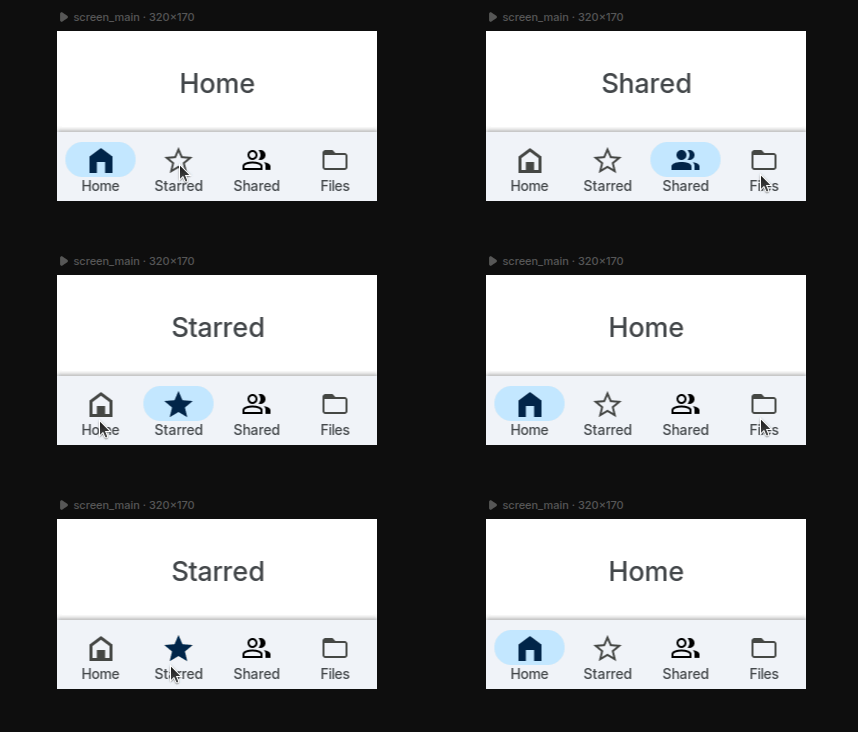
Here is the source code for the project: GitHub - giobauermeister/google_drive_menubar_lvgl_pro: A Google Drive menubar made with LVGL Pro
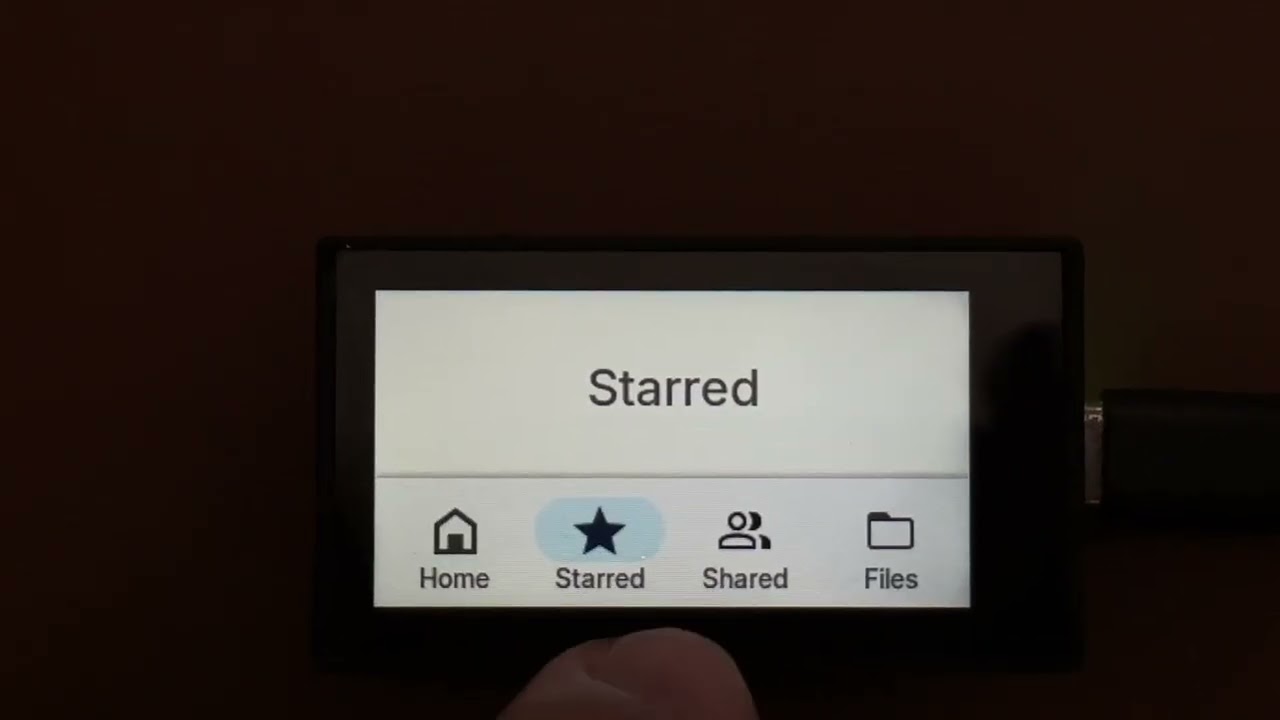
Check the video below to se it running on the Waveshare ESP32-C6 1.9" Display
If you want to learn more about LVGL animations in XML, check the animations tutorial here: lvgl_editor/tutorials/8_animations at master · lvgl/lvgl_editor · GitHub