Hi all,
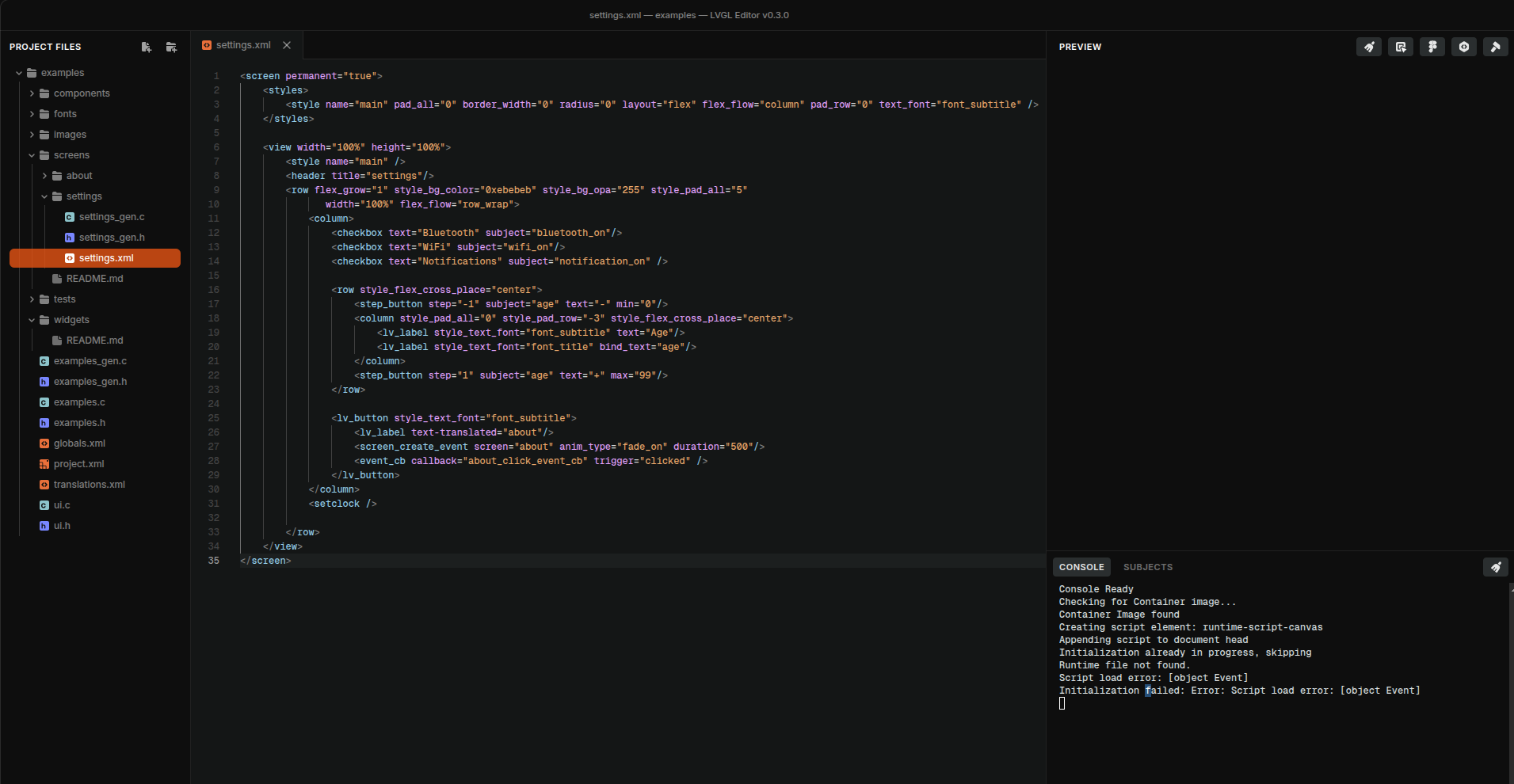
I was testing the LVGL Editor a few days ago and had trouble opening the preview during development. After saving the XML file and switching between a few screens, I received a console message.
Console output
Console Ready
Checking for Container image...
Container Image found
Creating script element: runtime-script-canvas
Appending script to document head
Initialization already in progress, skipping
Runtime file not found.
Script load error: [object Event]
Initialization failed: Error: Script load error: [object Event]
I’m not sure what the root cause is, but even opening a basic sample (blank screen) or the example share in the LVGL Editor repository didn’t work.