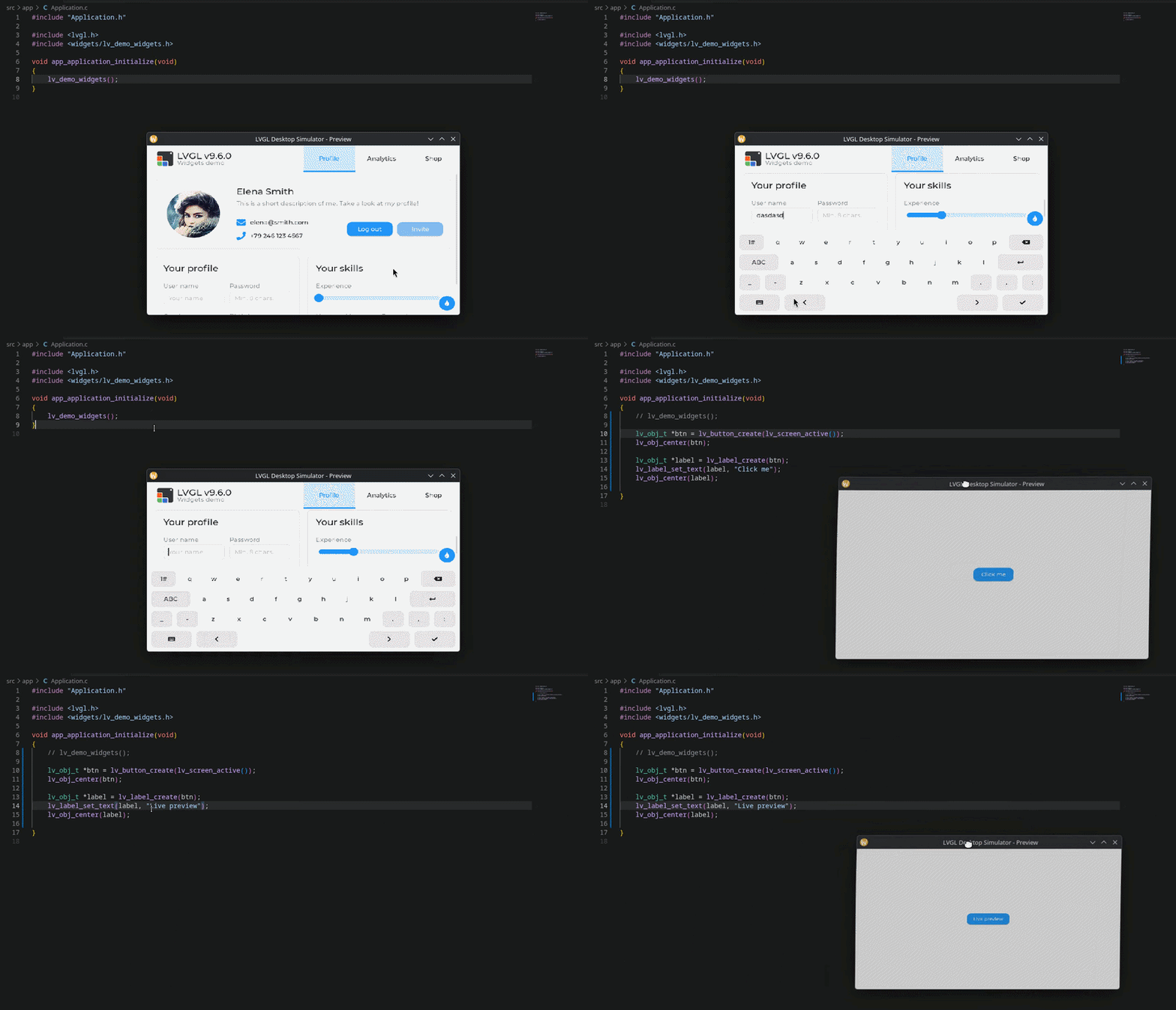
Hello so recently i have struggled to find a quick and easy way of testing LVGL on desktop so i’ve built an open-source desktop simulator for LVGL that allows developers to prototype and test embedded user interfaces directly on Windows or Linux, without requiring physical hardware.
What is it?
LVGL Desktop Simulator provides a desktop environment for running LVGL applications with:
LVGL display integration
Mouse and keyboard input
GLFW-based window management
CMake build configuration
helper scripts
“Live preview” workflow (Quickly recompile and reopen the window)
The project is organized into separate application, LVGL integration, platform, and configuration layers.
Technology stack
C and C++
LVGL
GLFW
CMake
Windows and Linux (Its been more tested on linux)
Repository
The repository includes build instructions, configuration files and documentation so everything you need to use it.
I would really appreciate feedback from the LVGL community.
Hi, yes, I’m familiar with these simulators. The main differences:
My live preview script automatic rebuild and relaunch when any file save so you see changes immediately without manually rebuilding
Standalone release packagingscript - produces a distributable .tar.gz / .zip with the stand-alone binary, ready to share with a client so they can experiment, no toolchain required on their end
Screen shape fidelity - circular and rounded displays are previewed exactly as they’ll appear on hardware, via an OpenGL mask
I think using the acripts is what makes the most of my project for new users, making it really easy to clone and start making your UI out of the box, but if you already using any others simulators and don’t need any of these things i mentioned then using any of the simulator options would be fine.