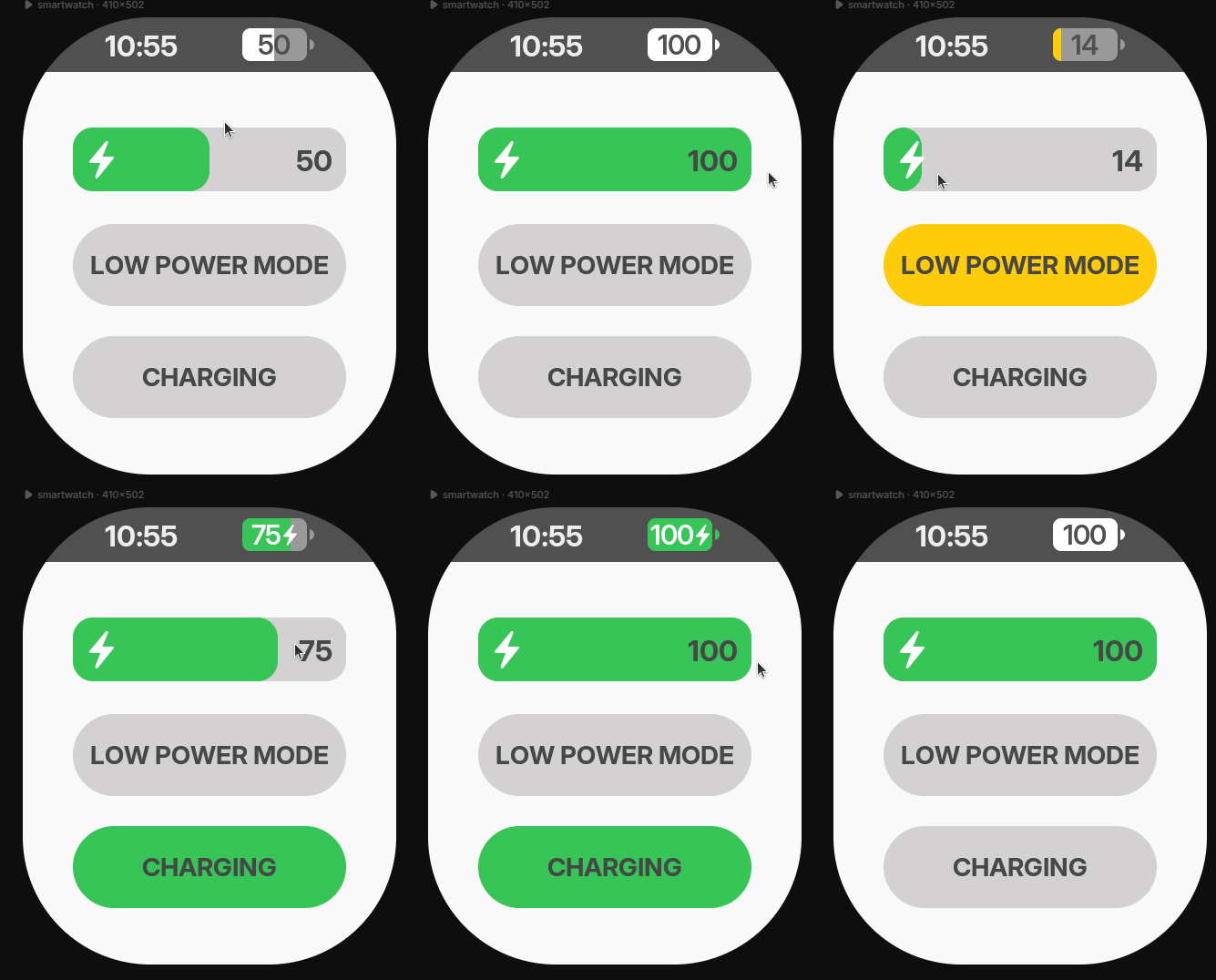
Here is battery indicator component inspired by iOS made in XML in the LVGL UI Editor. It’s comprised of simple objects and a slider for its central part.
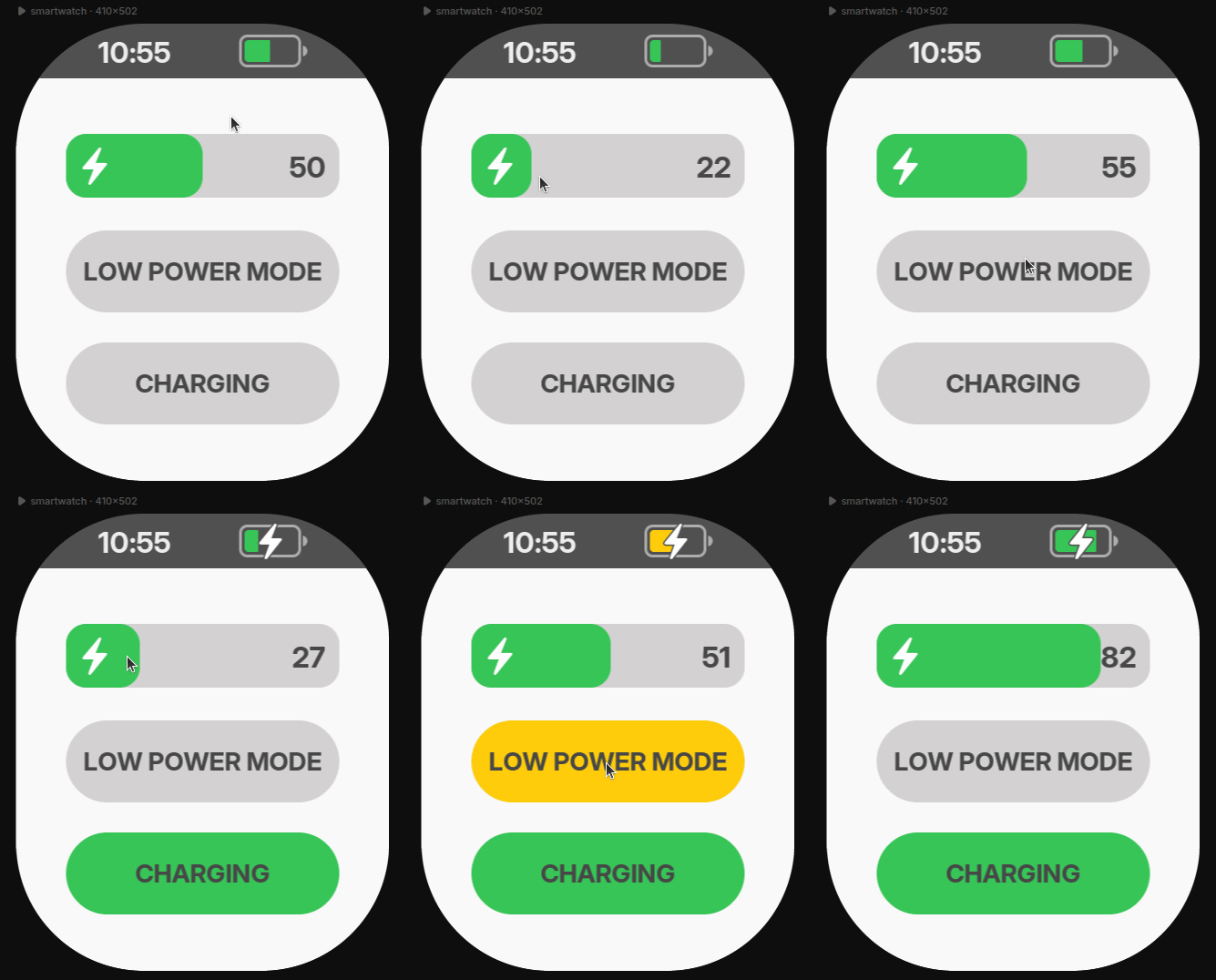
I also added some buttons and a slider for controlling this component. It can have a Low Power state, a charging state, and low battery indication.
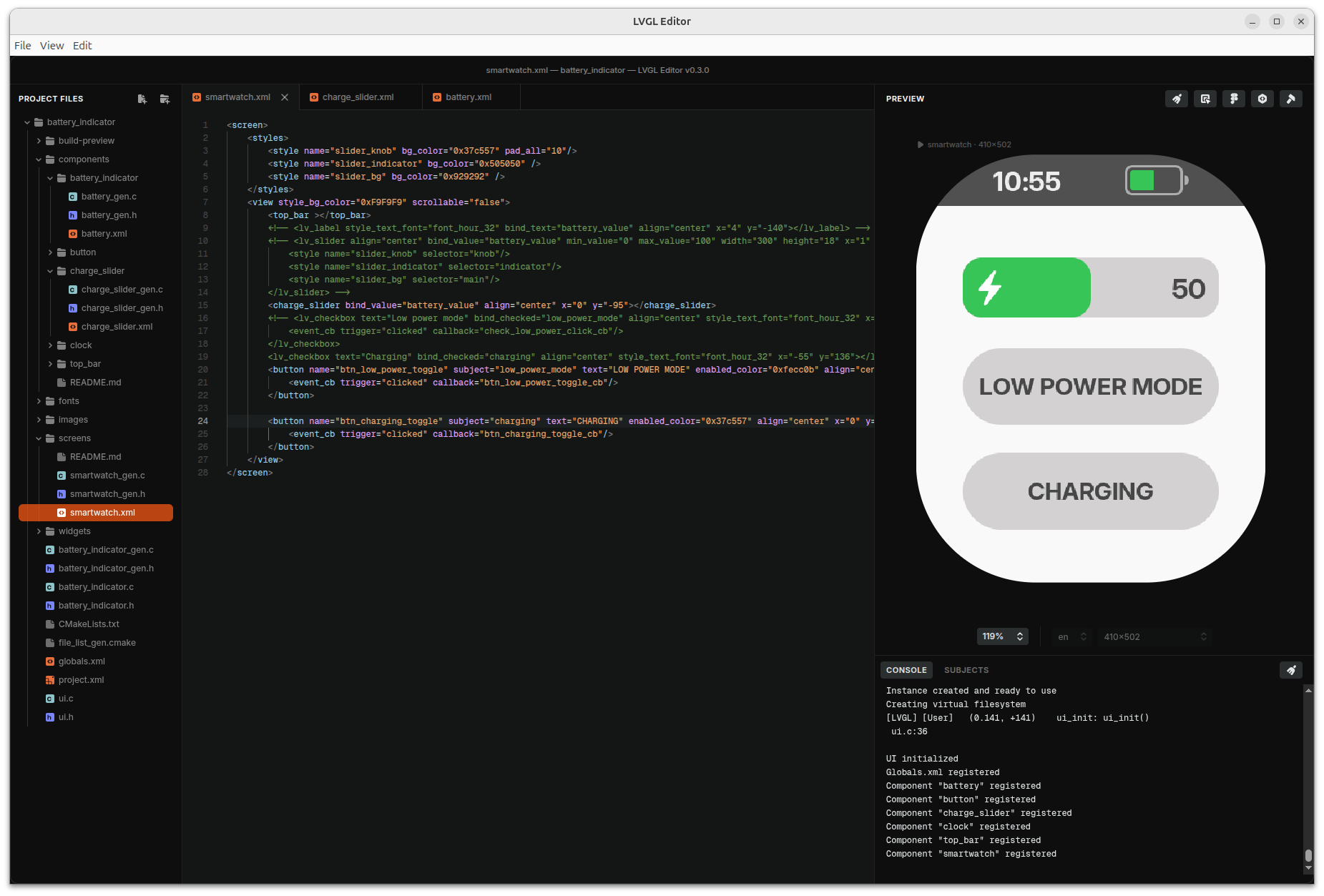
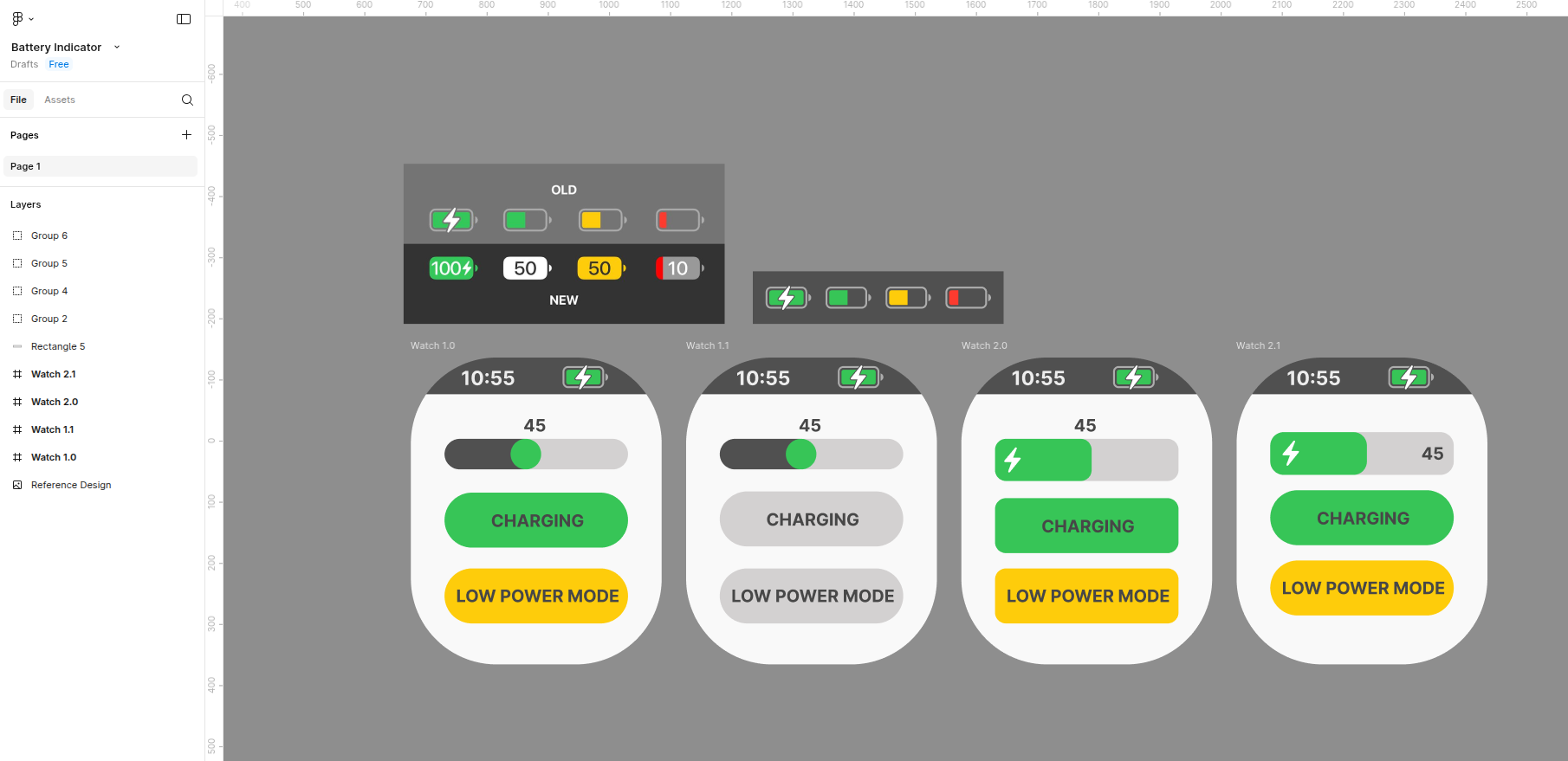
Using the Editor helped a lot here since I could get some XML properties from the Figma design using the LVGL Figma plugin. It was also very easy to work with fonts and images because the Editor converts it automatically to source code. So no need to convert images and assets manually.
I could test the behavior of the component using the Editor Preview even before running the project in a real hardware.
Here’s the GitHub link to the project:
You can also test it in your browser using this link:
https://viewer.lvgl.io/?repo=giobauermeister/battery-indicator-lvgl-editor/tree/main/battery_indicator
Just login with your GitHub account and wait for it to load.
And the Figma file: https://www.figma.com/design/HVvM9m0egZy0wYZDLKKPTA/Battery-Indicator
Have you guys used the Editor already? What do you think?
 . Need to try more with LVGL editor & Figma