Hi all,
I’ve been working on this for a while and I think it’s time to show it here.
LCD Ultra Pro is an LVGL 8.4 editor that runs in the browser. The part I cared about most is what happens after the design. You pick your board from a list, and the Arduino project you export already has the display and touch driver for that board in it. Open it in the Arduino IDE, upload, and it runs. Right now you can design for 101 boards in the editor, and 60 of them have a display driver ready in the export: Waveshare, Makerfabs, LilyGO, the CYD family, M5Stack, Elecrow and Guition.
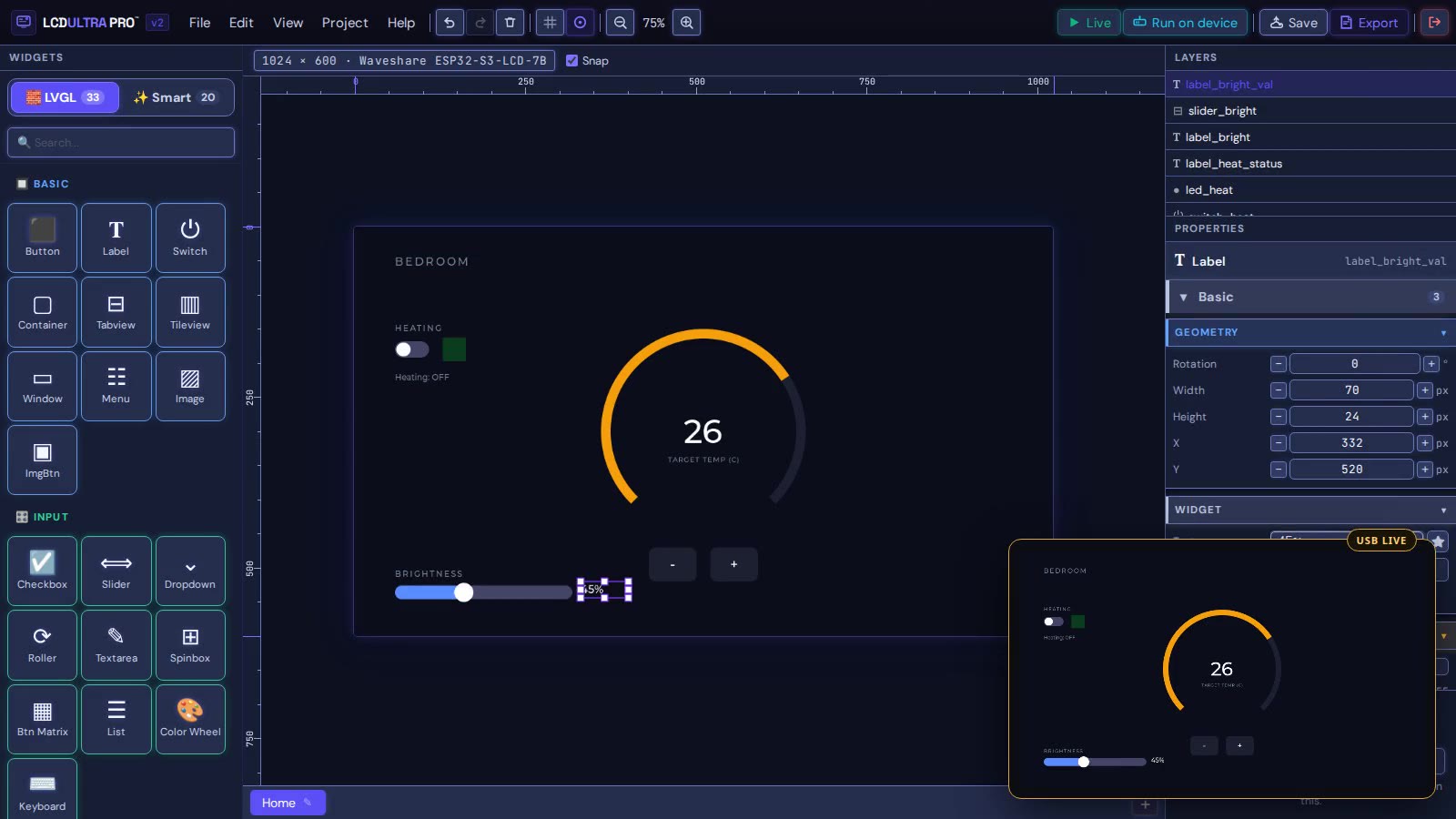
The canvas is drawn by LVGL itself, compiled to WebAssembly, so what you see is very close to what the panel shows. On three boards there’s also USB Live: the real display follows your edits while you work. That’s the small window in the corner of the screenshot.
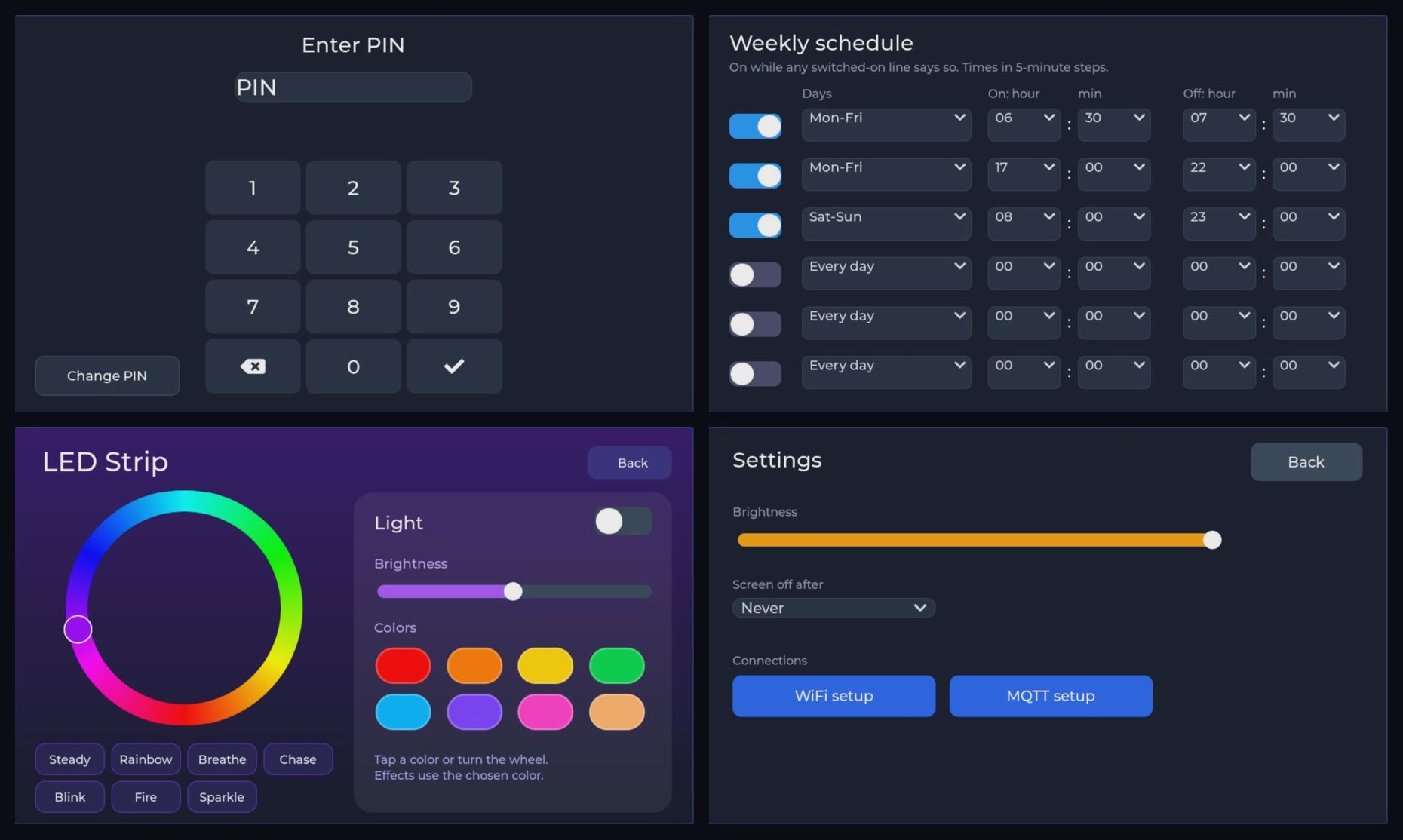
You don’t have to write C for the logic. There’s a rule editor for button presses, screen changes, timers, GPIO and MQTT, and you can try it out in the browser before you flash anything. There are also a few ready-made screens, like a PIN lock, a weekly schedule, LED strip control and settings:
A few things you should know before trying it. It’s free during the beta, but you need an account and projects are stored in the cloud. Only LVGL 8.4 for now. LVGL 9 support is on the way, and ESP32-P4 boards are planned too. It needs Chrome or Edge, and it isn’t open source.
I’ve tested the export on three boards myself. The others are marked “ready” on their board page, which means the driver is there but that board hasn’t been on my desk yet. So if you have one of them and give it a go, I’d really like to know whether it worked. Same if your board isn’t on the list.
Board list with pinouts: ESP32 Display Boards: Specs of 173 LVGL-Ready Boards
I’m actively developing it, adding more boards and features as I go.
Zsolt