Hi All,
Here is a screenshot of my display; when I convert and load the font, the screen scaling gets completely messed up, and the top section of the screen disappears. I am using the VazirMatn font. However, there are no issues when I use the lv_font_dejavu_16_persian_hebrew font. The font conversion was performed using these settings:
name: font_vazirmatn_bold_12
size: 12
bpp: 4
type: binary
ranges: 0x20-0x7f,0x600-0x6FF,0xFB50-0xFDFF,0xFE70-0xFEFF
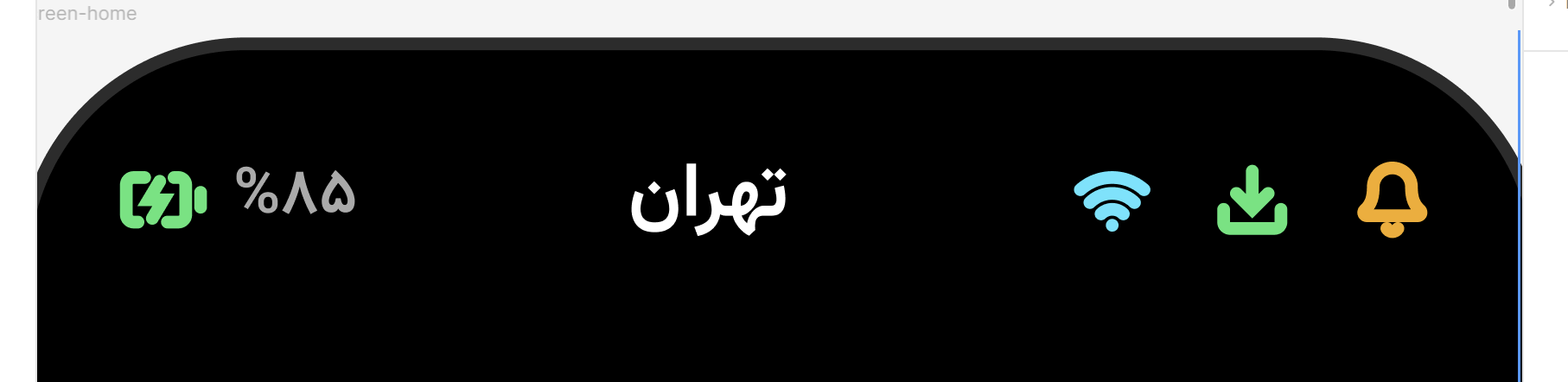
This is my main design on Figma.
I have also included both the original and the converted fonts.
 lv_obj_t * label_1 = label_create(row_0);

        lv_label_set_text(label_1, "تهران");

        lv_obj_set_style_text_font(label_1, &lv_font_dejavu_16_persian_hebrew, 0);

        lv_obj_set_style_text_color(label_1, lv_color_hex(0xFFFFFF), 0);
Screen result:
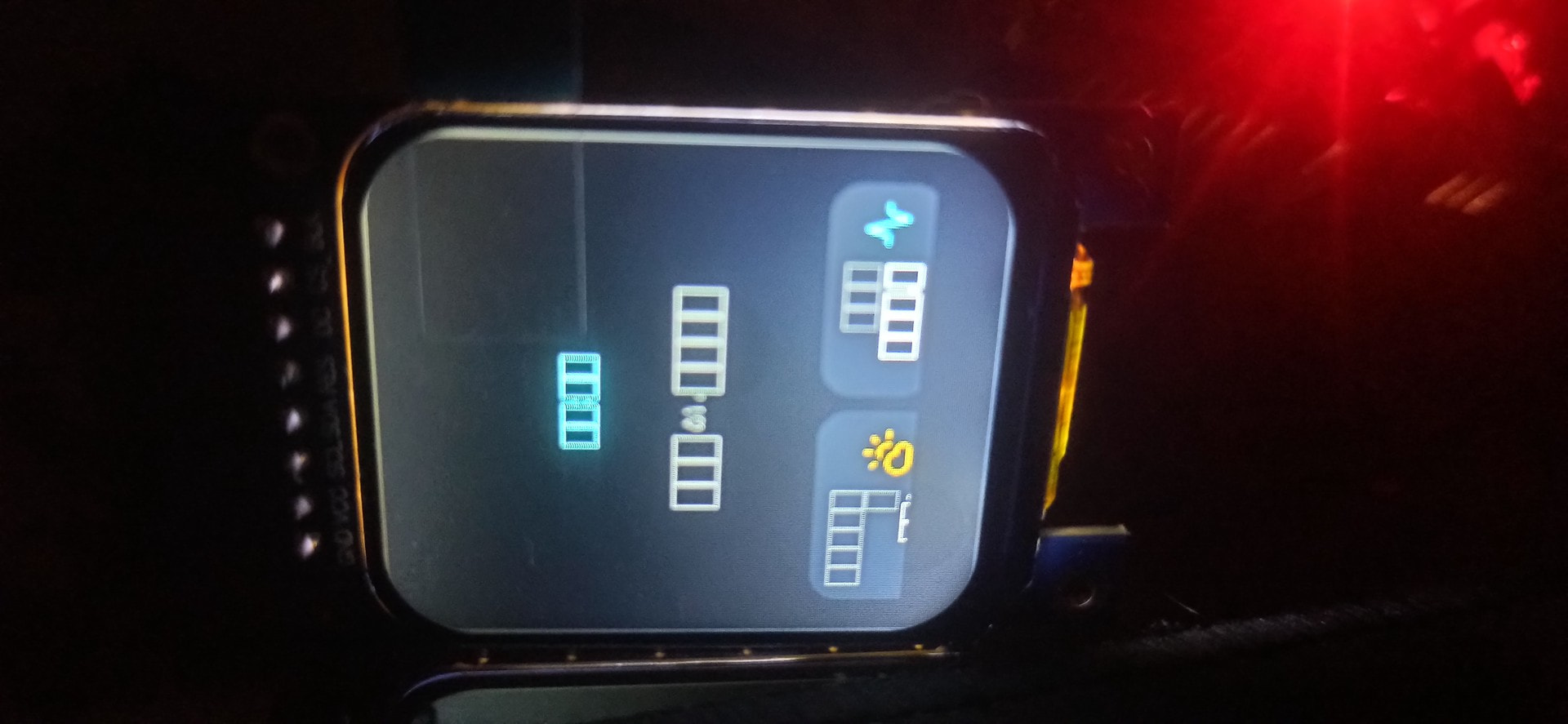
Let me add one more point: if I use the DejaVu font and simply import the Vazirmatn font—even without actually using it, just importing it with the code below—the page scaling gets messed up.
if (!font_vazirmatn_bold_12) {

            lv_snprintf(buf, 256, "%s%s", asset_path,

                        "fonts/font_vazirmatn_bold_12.bin");


            lv_binfont_dsc_t dsc = {

                .path = buf,

                .dynamic_glyph_load = true,

            };


            font_vazirmatn_bold_12 = lv_binfont_create_ex(&dsc);

        }
Let me add one more thing: whenever I convert a font using an online tool and load it into storage, the display breaks. However, if I convert the font using the LVGL Pro software itself, the display works, but the characters appear as squares. Also, the Vazirmatn font displays correctly—albeit with disconnected characters—when the “use LV_USE_ARABIC_PERSIAN_CHARS” option is disabled; but when I enable that feature, it turns into squares. The only font that worked properly was DejaVu; even then, it breaks if I convert it myself, but works fine if I use the built-in version.
Regards
Ehsan
fonts.zip (65.3 KB)