I am trying to figure out how to set the size of a widget to take up all of the space allocated to it by the parent.
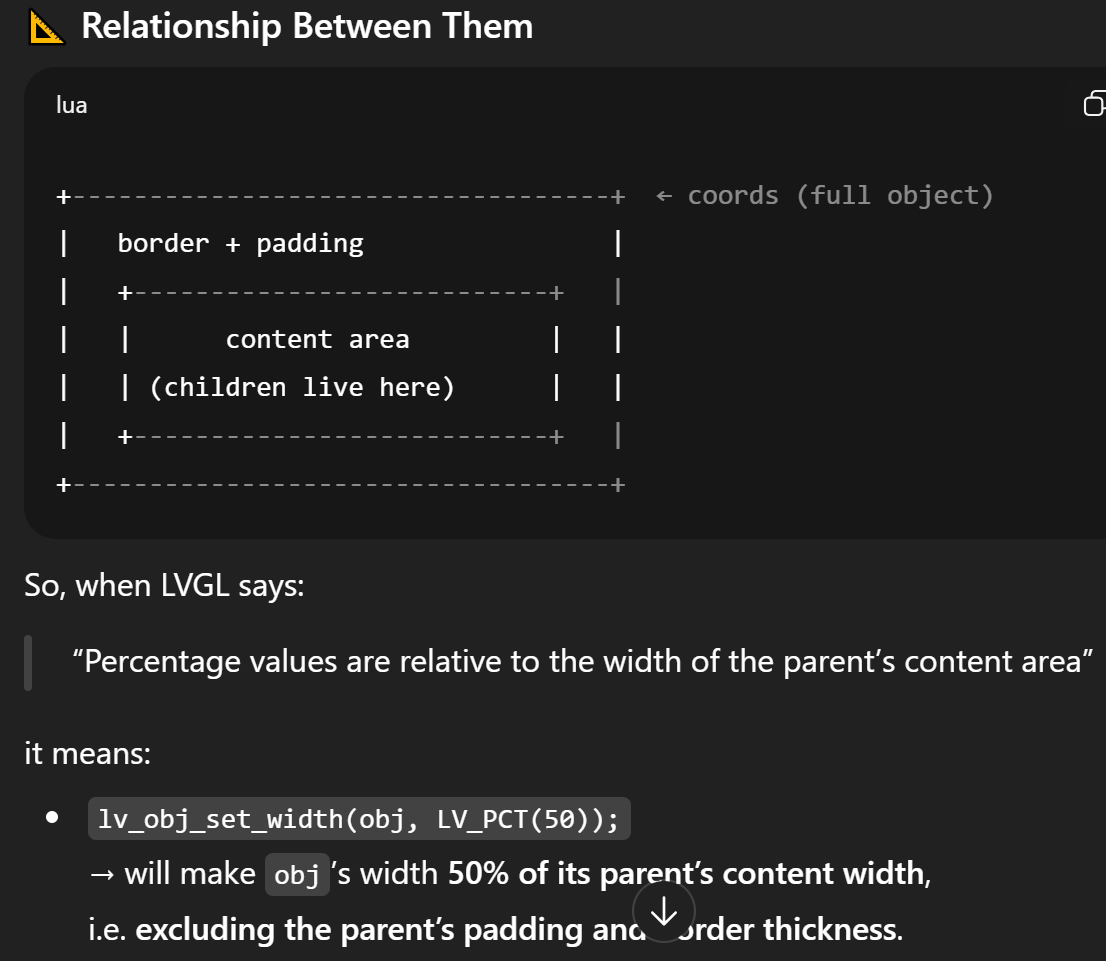
For example, if I have a tile that is 100% of the display (size set with lv_obj_set_size()), I want the child widget to take all of the areas of the tile’s content.
I’ve tried searching the documentation and the forums but I can’t find anything concrete. The closest I’ve gotten is LV_PCT() but I am not sure whether that means 100% of the content area for 100% of the child widget’s content width.
I’ve tried setting the child’s size using LV_PCT(100) but that does not seem to work.