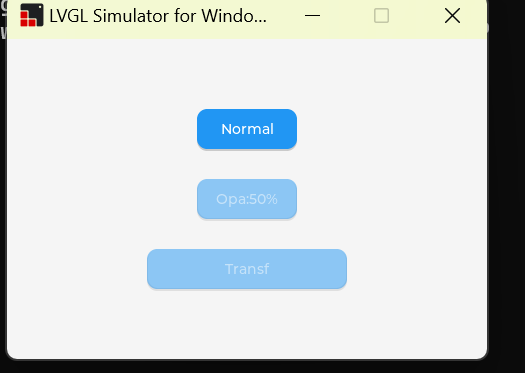
How to rotate the control by an angle

What do you want to achieve?

Realize the rotation of the control.

What have you tried so far?

Called the official demo and also made an attempt.
lv_obj_set_style_transform_angle();

Screenshot and/or video

Environment

  • MCU/MPU/Board: Code::Blocks simulator
  • LVGL version: LVGL:8.3
    I also attempted to execute the function lv_obj_set_style_transform_angle() on the microcontroller. When the parameter of the second rotation angle is not equal to 0, the control will disappear.

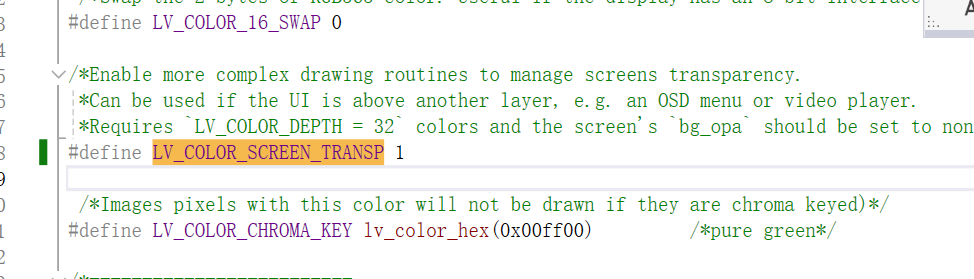
@kyle, you need to enable this config : LV_COLOR_SCREEN_TRANSP


image
I have already configured it, but why hasn’t it taken effect yet?

LVGL version: LVGL:8.1.0

@halyssonJr do you khnow?

Hey @xiaohai1998, I tested this example on Linux and didn’t have problems. But, it seems the rotation is not working as expected. It’s “funny” because the other styles were applied.

Could you change the log level?

#  define LV_LOG_LEVEL    LV_LOG_LEVEL_ERROR

@halyssonJr hello,I changed the log level to LV_LOG_LEVEL_ERROR, but no relevant useful information was output. When I checked the version used in your post, it was 8.3. Is there any connection with the version?
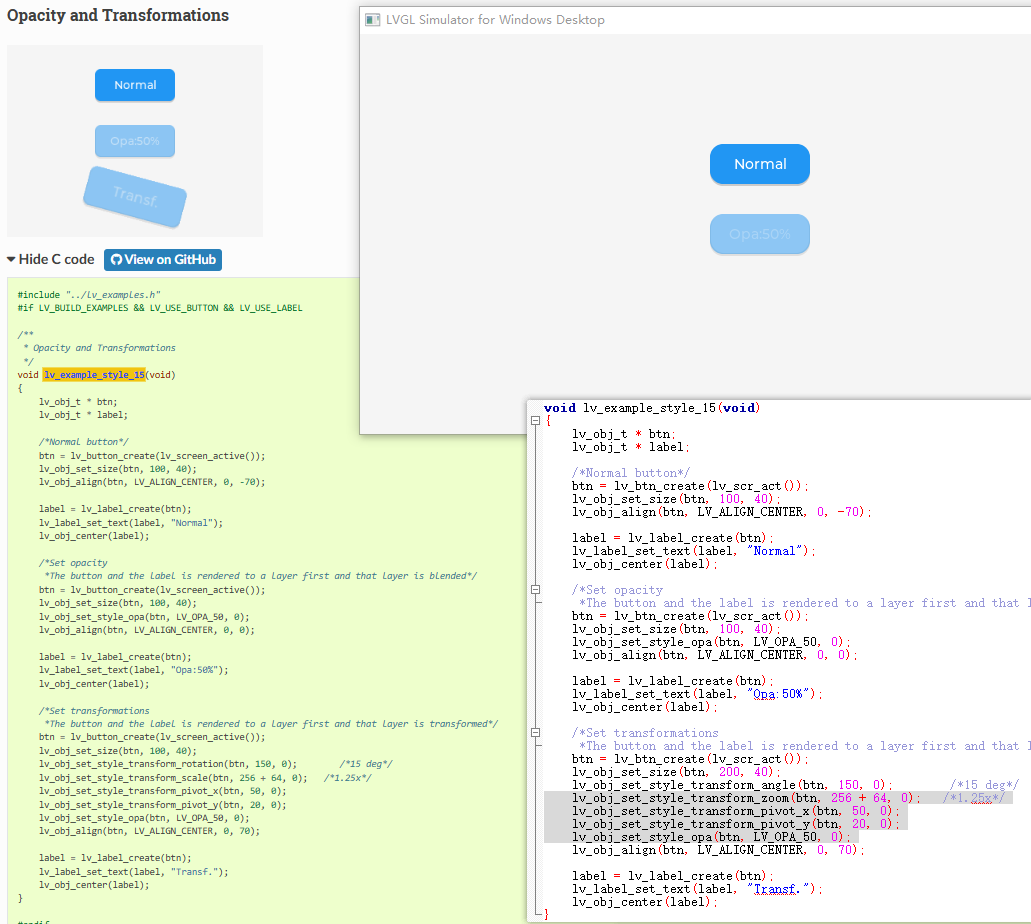

In fact, it’s related to the LVGL versions.

Version 8.1.0 did not have an API to add the pivot point to an object, therefore the expected rotation effect never occurs.

    lv_obj_set_style_transform_pivot_x
    lv_obj_set_style_transform_pivot_y