What do you want to achieve?
I’m trying to load a font from the filesystem at runtime and use it in a label.
What have you tried so far?
I’ve created a *.bin file using the online converter. I’ve also read the documentation about loading fonts and the built-in LVGL filesystem but still can’t get things to work.
I’ve also copy and pasted the filesystem example for PC to use with the code below.
Code to reproduce
// Initialize filesystem from https://github.com/lvgl/lv_fs_if/
lv_fs_if_pc_init();
// Create style with font
lv_font_t *notosans = lv_font_load("S:notosans.bin"); // notosans.bin is in project root
static lv_style_t noto_sans_font_style;
lv_style_init(¬o_sans_font_style);
lv_style_set_text_font(¬o_sans_font_style, notosans);
// Create label with loaded font
lv_obj_t *label = lv_label_create(lv_scr_act());
lv_obj_add_style(label, ¬o_sans_font_style, LV_PART_MAIN); // note removing this line causes the code to run, but without the correct font obviously
lv_label_set_text(label, "Hello World!");
lv_obj_center(label);
lv_font_free(notosans);
I’ve also set LV_USE_FS_STDIO to 1 and LV_FS_STDIO_LETTER to S in lv_conf.h
Screenshot and/or video
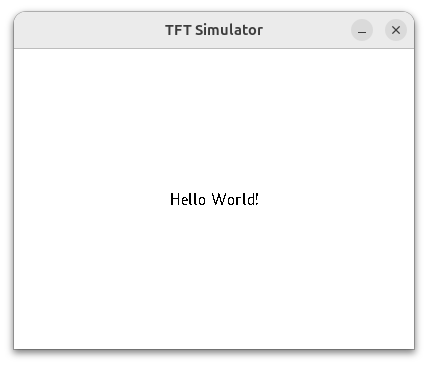
Result without loading font at runtime.
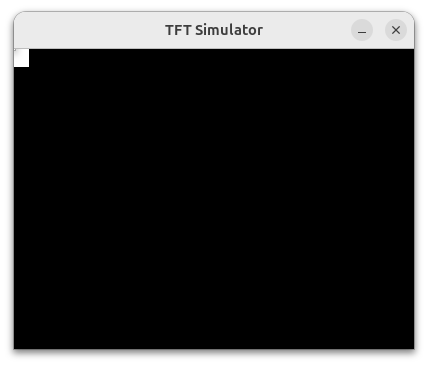
Window looks like this before seg-faulting with the code above.
Environment
- MCU/MPU/Board: Using the simulator on Ubuntu 24.04 and C stdio functions from the filesystem example. Ultimately I want to do this on an RP2040 with and SD Card but I want to have working LVGL code before trying that.
- LVGL version: 8.4
Can you spot anything obvious I’m doing wrong?
 (my font file is 1.2MB)