What do you want to achieve?
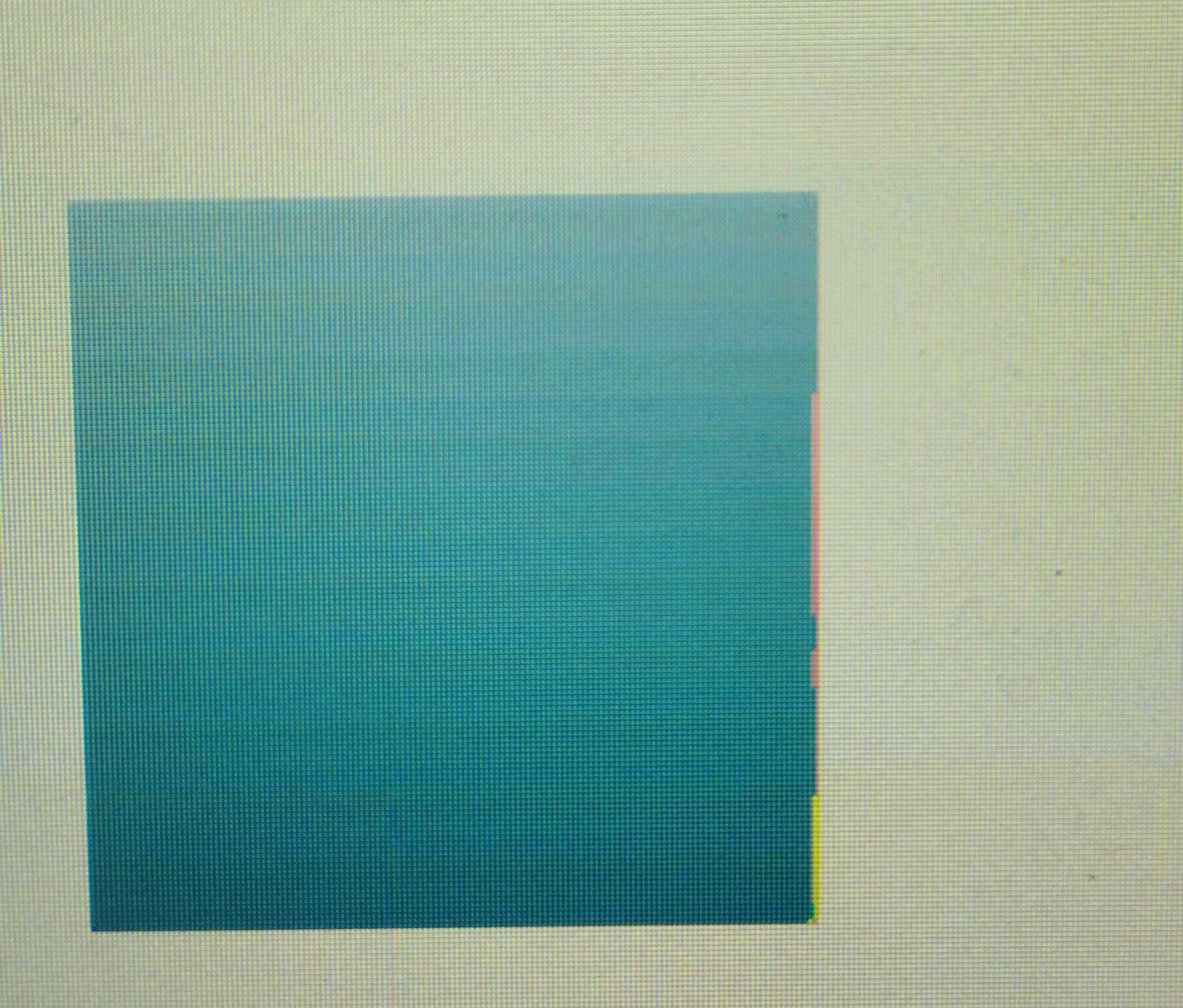
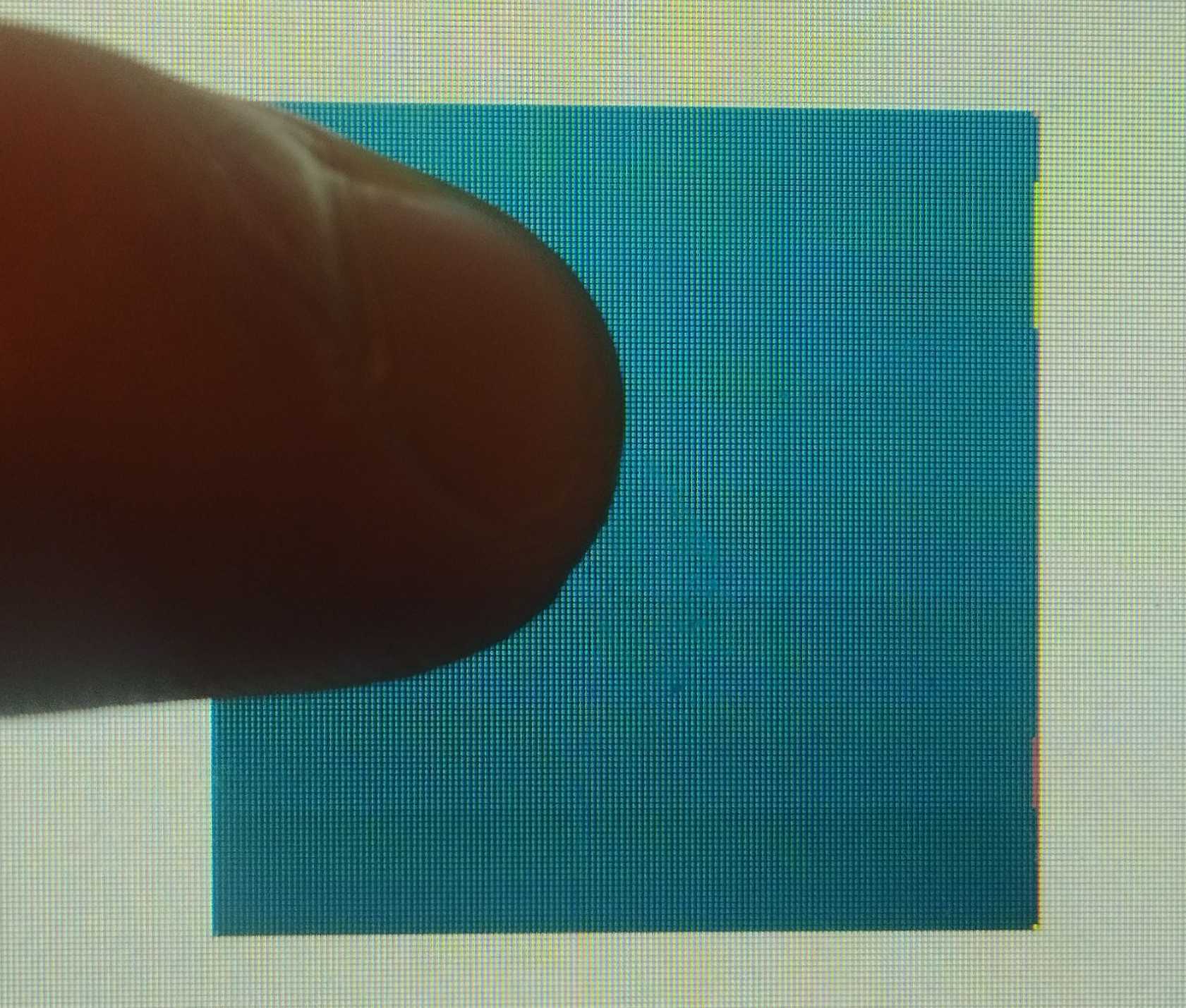
I want to display rectangle with gradient. I am using Microchip SAM9X60 and ETML070023UDRA display. But on the right side there is pink outline, which I want to get rid of it. The gradient that is in the style_pressed looks better.
What have you tried so far?
I tried to save these gradient as an image, additional apply dithering to it, but it does not help. Sometimes changing the gradients’ colors gave better results.
Code to reproduce
static lv_style_t style_normal;
static lv_style_t style_pressed;

lv_style_init(&style_normal);
    lv_style_set_bg_opa(&style_normal, LV_OPA_COVER);
    lv_style_set_bg_color(&style_normal, lv_color_hex(0xA1C1D9));
    lv_style_set_bg_grad_color(&style_normal, lv_color_hex(0x247288) );
    lv_style_set_bg_grad_dir(&style_normal, LV_GRAD_DIR_VER);
    lv_style_set_radius(&style_normal, 1);
    lv_style_set_border_width(&style_normal, 0);

    lv_style_init(&style_pressed);
    lv_style_set_bg_opa(&style_pressed, LV_OPA_COVER);
    lv_style_set_bg_color(&style_pressed, lv_color_hex(0x2F84A4));
    lv_style_set_bg_grad_color(&style_pressed, lv_color_hex(0x145567));
    lv_style_set_bg_grad_dir(&style_pressed, LV_GRAD_DIR_VER);
    lv_style_set_radius(&style_pressed, 1);
    lv_style_set_border_width(&style_pressed, 0);

lv_obj_t * button = lv_btn_create(lv_scr_act());
    lv_obj_remove_style_all(button);
    lv_obj_add_style(button , &style_normal, LV_STATE_DEFAULT);
    lv_obj_add_style(button , &style_pressed, LV_STATE_PRESSED);
    lv_obj_set_size(button , 140, 140);
    lv_obj_align(button , LV_ALIGN_CENTER, 242, 0);
    lv_obj_clear_flag(button , LV_OBJ_FLAG_SCROLLABLE);
    lv_obj_clear_flag(button , LV_OBJ_FLAG_CLICK_FOCUSABLE);
    lv_obj_clear_flag(button , LV_OBJ_FLAG_PRESS_LOCK);
    lv_obj_clear_flag(button , LV_OBJ_FLAG_CHECKABLE);
Screenshot and/or video
Environment
- MCU/MPU/Board: Microchip SAM9X60
- **LVGL version: 9.4