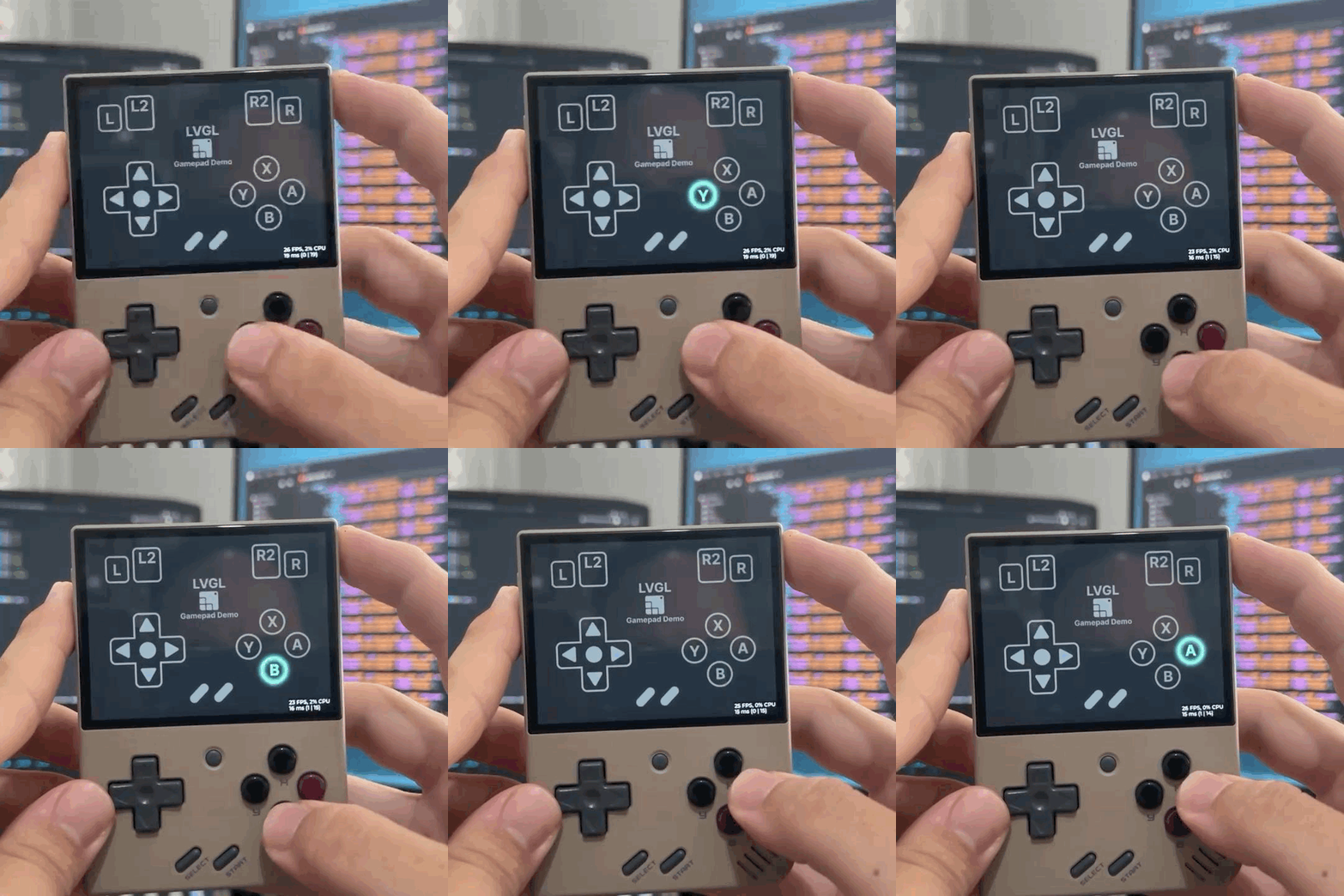
I was able to run LVGL on the Miyoo Mini Plus handheld game console using an SDL port from here: GitHub - steward-fu/sdl2: SDL v2.0 Ported for Miyoo Mini (Plus) . After running the LVGL Widgets demo I developed this Gamepad UI so I could see the console buttons in action. This is the result:
And it works in the LVGL Pro preview as well.
You can try it online here in this link: LVGL Editor - Project Preview
Source code: GitHub - giobauermeister/miyoo_mini_plus_lvgl_gamepad_demo: LVGL Pro Demo to run a gamepad UI on the Miyoo Mini Plus using SDL backend
reso
October 30, 2025, 7:26am
2
I just saw your post on LinkedIn moments ago - very very cool!
Wow, I am not going to be doing that…
I just went to the project preview and I went to login using my github account and this is what it wants for permissions…
Repositories
This application will be able to read and write all public and private repository data . This includes the following:
Code
Issues
Pull requests
Wikis
Settings
Webhooks and services
Deploy keys
Collaboration invites
Note: In addition to repository related resources, the repo scope also grants access to manage organization attributes and organization-owned resources including projects, invitations, team memberships and webhooks. This scope also grants the ability to manage projects owned by users.
not going to be giving read and write access too all of my repos both public and private…
@kisvegabor
I believe that a rework of the permissions needs to be gone over.
It turned out GitHub oAuth have only these permissions. We need to migrate GitHub Apps to limit what we really need.