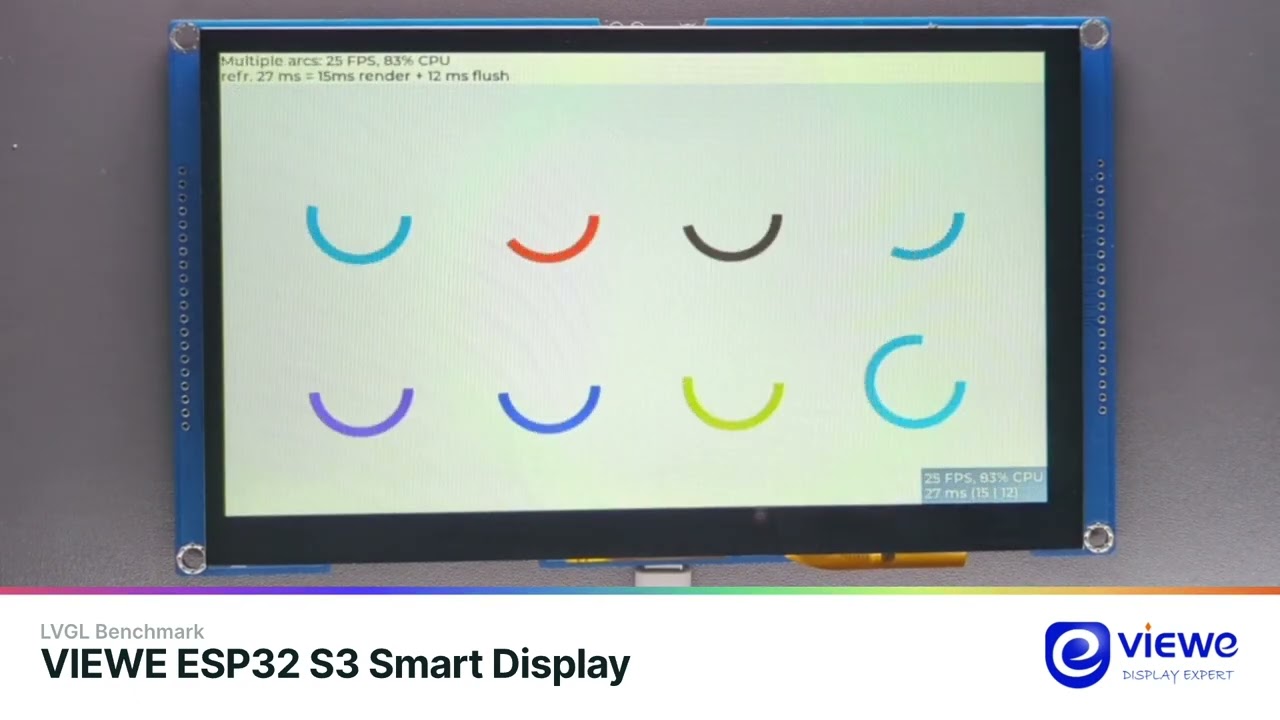
I’m evaluating using LVGL for a project. Currently using a Makerfabs ESP32-S3 with 7" 1024x600 TFT display. LVGL 8.x IIRC, and LovyanGFX library, with GT911 touch panel.
Performance (scrolling, etc on the widgets demo) is okay, but there’s some tearing effect and jittering. CPU usage can get to the 80+% range but generally in the 20% range, and so far there’s none of my application code in there.
I’m new to ESP32’s and LVGL so wondering what else I can do to improve performance.
Currently I’m using the RGB LCD peripheral, double buffering @ 1/10th screen size for each buffer. Both buffers in internal SRAM.
I’m open to adding external SRAM (instead of PSRAM), and I will avoid scrolling the whole screen at once, so that should help. But what else can I do? Is there some LVGL setting to eliminate the tearing effect? Is there some setting that would reduce or eliminate the bouncing effect when I try to scroll past the bottom of the screen (as I expect that would be using a decent amount of CPU)?
Anything else I can do?
[PS: yes I know of the P4, but it’s not ready for full production yet. I am generally an STM32 guy, but I’m porting an existing ESP32 project and it would be a lot of dev to switch processors.]
Thanks.