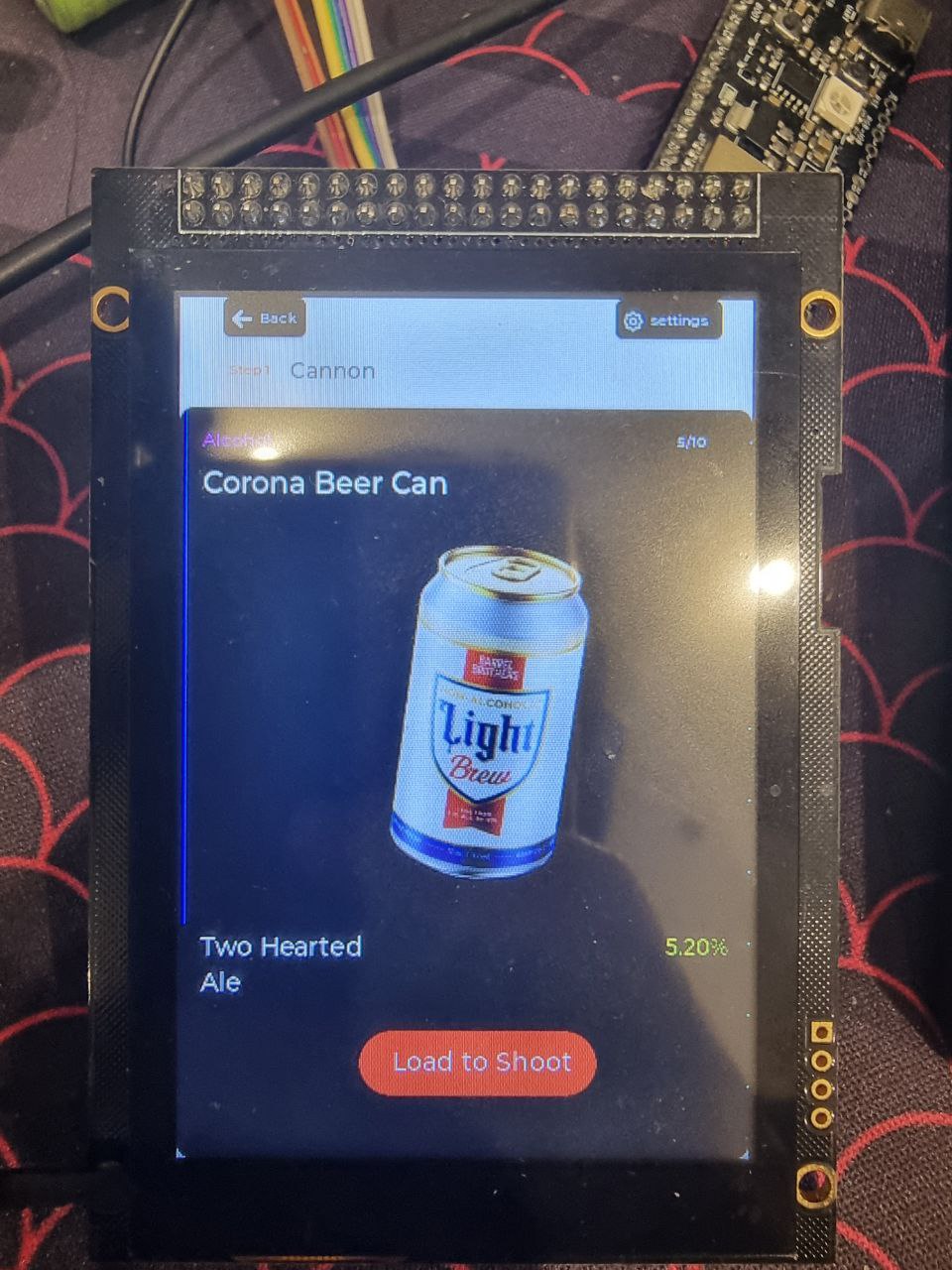
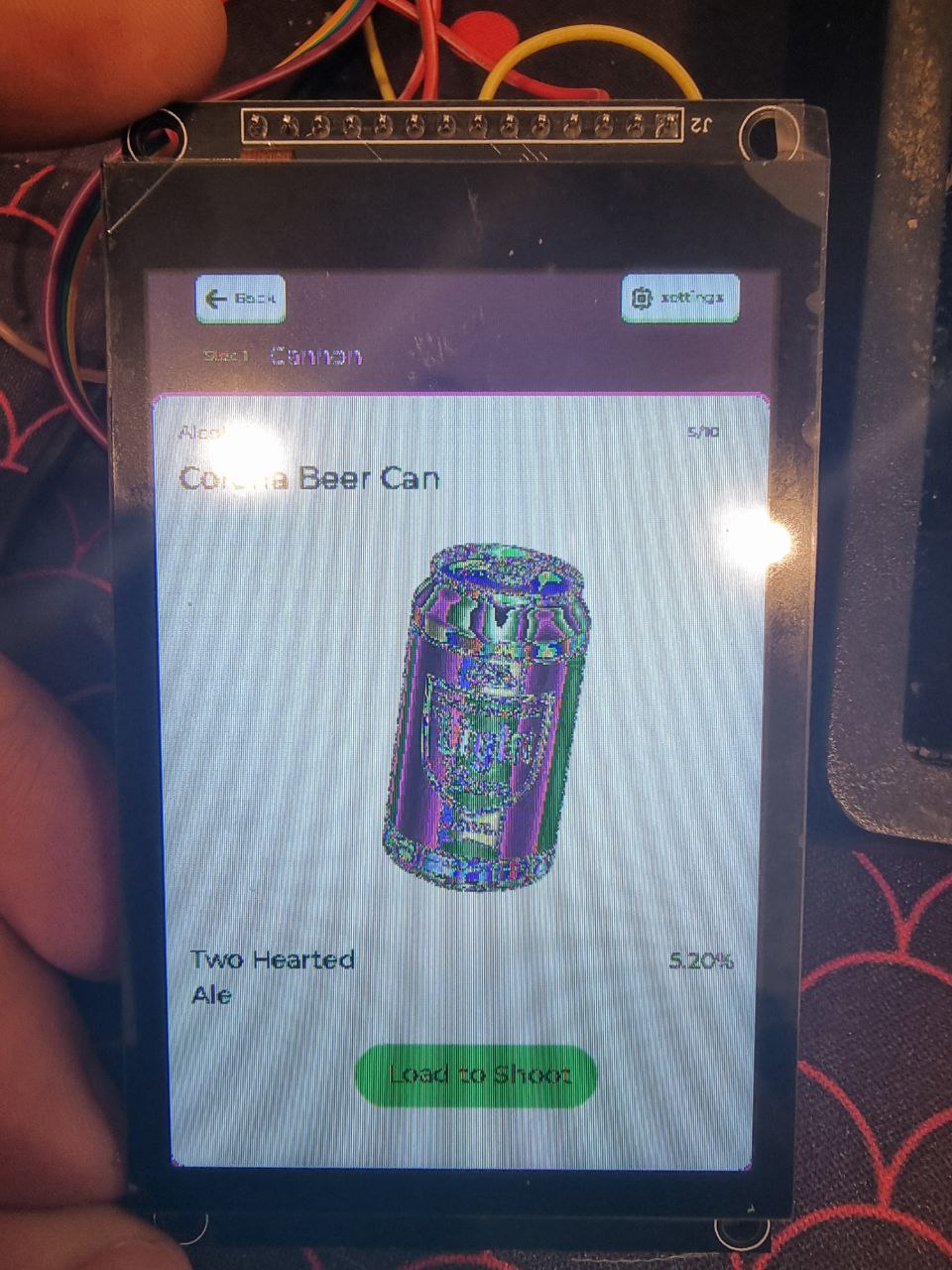
Try this code of mine, my screen is swapping between black and white and red and blue so I use a loop to swap the color bytes before sending them to the screen and set the LV_LCD_FLAG_BGR flag for that loop.
static void invert_colors(uint16_t * buf, size_t size)
{
    for(size_t i = 0; i < size; i++) {
        buf[i] = ~buf[i]; // Đảo ngược tất cả các bit của giá trị màu
    }
}

static void my_lcd_send_color(lv_display_t *disp, const uint8_t *cmd, size_t cmd_size, uint8_t *param, size_t param_size)
{
     //...

      invert_colors((uint16_t *)param, param_size / 2);

     //send data

}
That depends on the version of LVGL you are using. In LVGL version 9 you have to call a function to swap the bytes from your flush function. That’s IF the display or the low level driver doesn’t support doing this already.
Between the original 2 posters it appears like there might be 2 separate issues. That display IC has a few settings that control how the colors are handled. Typically when white and black and swapped it’s not because of the byte order but is instead caused by something called color inversion. depending on the panel that is used with the IC inversion may need to be switched either on or off. This is done by sending a command to the display IC…
There are 2 different things that are often confused with each other when the wrong colors are seen. The first one is the pixel color order. This is called the color space. The most common 2 types used are RGB and BGR. This is once again something that is handled by the display so a command needs to be sent to the display to set the color space. Most displays this command coupled with the registers to set the rotation of the display. The last one is the byte order for each pixel. This problem is mainly seen with SPI displays but can be seen sometimes when using an I8080 display. It typically happens only when using 16 bit color and is caused by an endianness difference between the display IC and the MCU that is being used. Specifically the byte order for each pixel. The reason why this issue doesn’t occur with say RGB888 is because changing the byte order for each pixel in RGB888 simply turns RGB into BGR so it is easily handled by a setting on the display IC. With RGB565 the green bits gets split between the 2 bytes so changing the byte order is not the same thing as setting the color space. Some display IC’s are able to handle this internally, tho there are not very many that can. Some display drivers can handle this in low level code or at the hardware level in the MCU itself. Once again it all depends on the software driver and the hardware being used. Not too many provide this ability. The last way to correct it is to handle it in user code where the buffer that is being flushed gets iterated over one pixel at a time and an in place swapping of the byte takes place. There is no additional memory used to do this but the downfall is it does take up CPU time to do it and it toes make a noticeable impact in how fast the display refreshes.