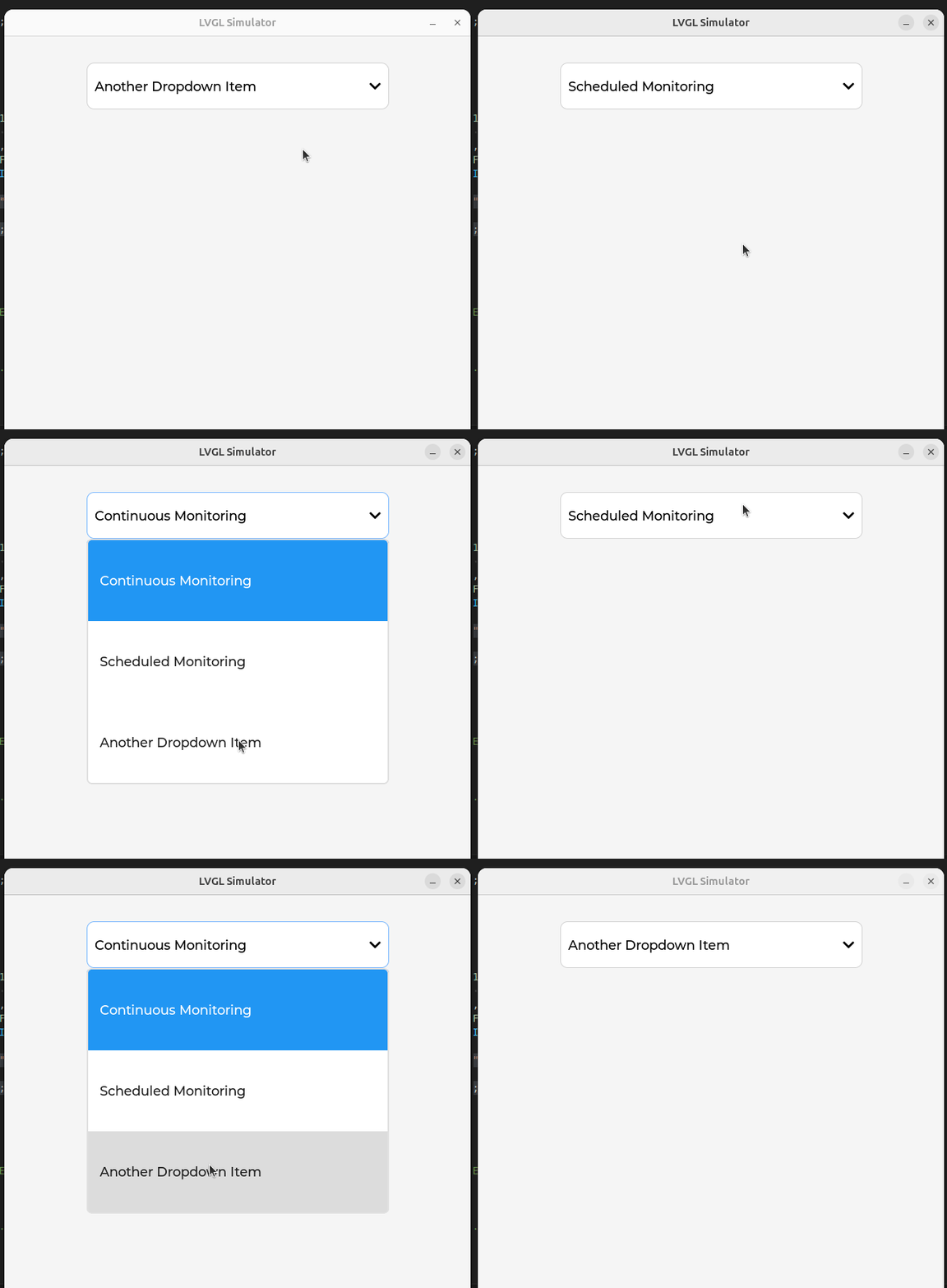
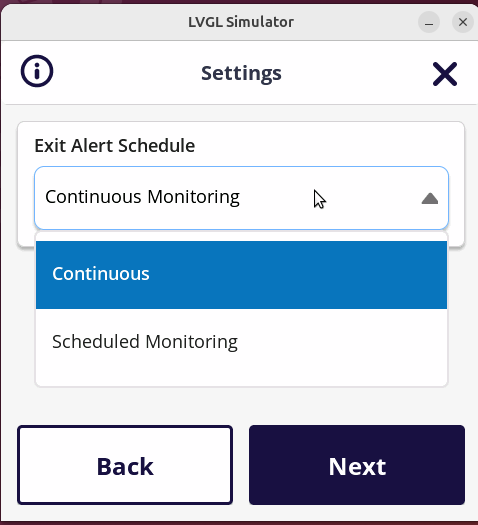
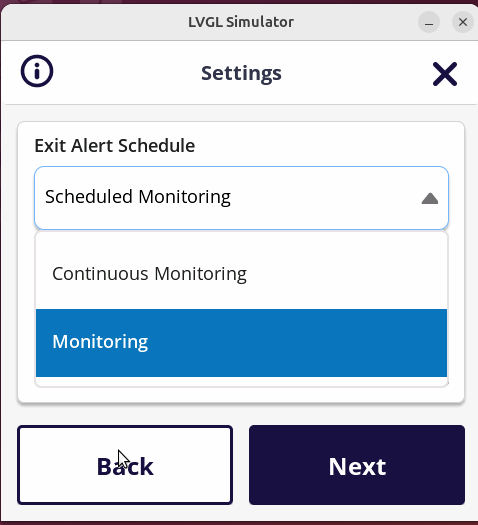
Hi, I’m facing issues with the dropdown list widget’s height and text styling in LVGL.
Here’s the code I am using:
dropdown = lv_dropdown_create(lv_obj_1);
lv_obj_set_name(dropdown, “dropdown”);
lv_obj_set_width(dropdown, 415);
lv_obj_set_height(dropdown, 64);
lv_obj_set_y(dropdown, 36);
lv_obj_set_style_radius(dropdown, 10, 0);
lv_obj_set_style_border_width(dropdown, 1, 0);
lv_obj_set_style_border_color(dropdown, lv_color_hex(0xD1D1D1), 0);
lv_obj_set_style_text_font(dropdown, &opensans_regular_18, 0);
lv_obj_set_style_text_color(dropdown, lv_color_hex(0x000000), LV_PART_MAIN);
lv_obj_set_style_border_color(dropdown, lv_color_hex(0x74B4FF), LV_STATE_CHECKED);
lv_dropdown_set_symbol(dropdown, &icon_down_arrow);
lv_obj_set_style_transform_rotation(dropdown, 1800, LV_PART_INDICATOR | LV_STATE_CHECKED);
lv_dropdown_set_options(dropdown, “Continuous Monitoring\n” “Scheduled Monitoring”);
lv_obj_t *dlist = lv_dropdown_get_list(dropdown);
lv_obj_set_style_text_font(dlist, &opensans_regular_18, 0);
lv_obj_set_height(dlist, 142);
lv_obj_add_event_cb(dropdown, select_dropdown_option, LV_EVENT_VALUE_CHANGED, NULL);
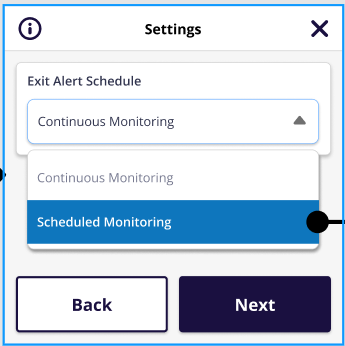
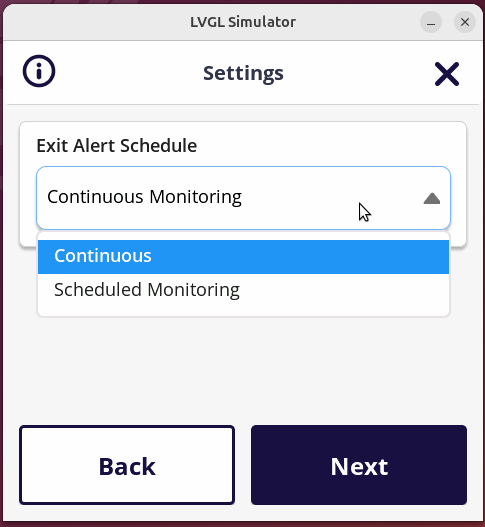
Screnshots:
- The first image shows the desired dropdown appearance.
- The second image shows the actual reasult, where the dropdown list height and text are not as expected.
Is there a solution to properly set the dropdown list height and prevent the text from being clipped when applying a different font style to the selected option?