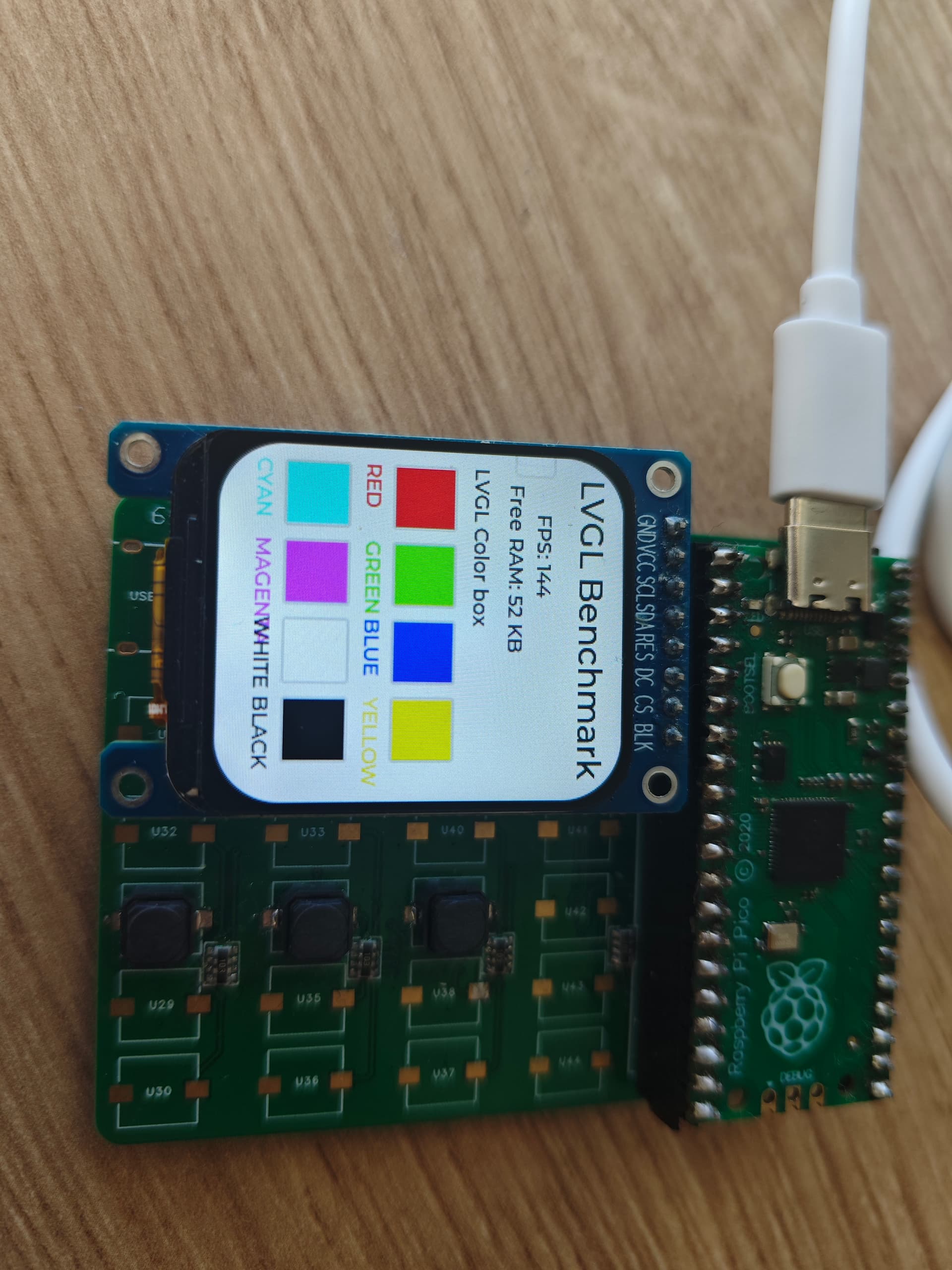
I’m using lv-micropython from GitHub - lvgl/lv_micropython: Micropython bindings to LVGL for Embedded devices, Unix and JavaScript. The commit ID is 233ef84925774ced5778510e97f529c8936b4f5a, which is the newest commit as of the time of this problem.
I built the firmware using the following commands:
make -j -C mpy-cross
make -j -C ports/rp2 BOARD=RPI_PICO USER_C_MODULES=…/…/user_modules/lv_binding_micropython/bindings.cmake
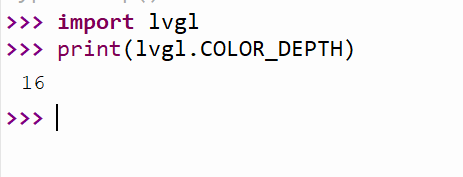
I’ve checked that the color depth is 16.
When I set the color on the screen, the data in the buffer is not what I expected.
I used the following script for testing:
import lvgl as lv
import time

_current_test_color = 0
_flush_done = False

def _disp_flush(disp, area, color_ptr):
    print(area)
    print(color_ptr)
    """Internal flush callback - do not call directly"""
    global _flush_done, _current_test_color
    if _flush_done:
        disp.flush_ready()
        return

    # Calculate area information
    x1, y1, x2, y2 = area.x1, area.y1, area.x2, area.y2
    pixel_count = (x2 - x1 + 1) * (y2 - y1 + 1)
    data_len = pixel_count * 2  # 2 bytes per RGB565 pixel

    # Read buffer data
    read_data = bytearray(data_len)
    lv.memcpy(read_data, color_ptr, data_len)

    # Get expected values
    expected = _current_test_color
    exp_byte1, exp_byte2 = expected & 0xFF, (expected >> 8) & 0xFF

    # Print test results
    print("=" * 50)
    print(f"Testing color: 0x{expected:04X}")
    print(f"Area: ({x1},{y1}) to ({x2},{y2}) | Pixels: {pixel_count}")
    print(f"Expected bytes (little-endian): 0x{exp_byte1:02X} 0x{exp_byte2:02X}")

    # Check first 3 pixels
    print("\nFirst 3 pixels:")
    match = True
    for i in range(0, min(6, data_len), 2):
        b1, b2 = read_data[i], read_data[i+1]
        actual = (b2 << 8) | b1
        status = "OK" if actual == expected else "ERROR"
        print(f"Pixel {i//2+1}: 0x{b1:02X}{b2:02X} or 0x{actual:04X} ({status})")
        if actual != expected:
            match = False

    # Final result
    print("\nResult:", "✅ All match!" if match else "❌ Mismatch detected")
    print("=" * 50)

    _flush_done = True
    disp.flush_ready()

def test_color(color_hex):
    """
    Test LVGL buffer data for a given color value.

    Args:
        color_hex: RGB565 color value in hex format (e.g., 0xF800 for red)
    """
    global _current_test_color, _flush_done

    # Reset global state
    _current_test_color = color_hex
    _flush_done = False

    # Initialize LVGL
    lv.deinit()
    lv.init()

    # Buffer configuration (240x70, RGB565)
    buf_w, buf_h = 240, 70
    buf_size = buf_w * buf_h * 2
    buf = lv.malloc(buf_size)

    # Display setup
    disp = lv.display_create(buf_w, buf_h)
    disp.set_buffers(buf, None, buf_size, 0)
    disp.set_flush_cb(_disp_flush)

    # Set screen color
    scr = lv.screen_active()
    scr.set_style_bg_color(lv.color_hex(color_hex), 0)
    scr.set_style_bg_opa(lv.OPA.COVER, 0)

    # Trigger refresh
    lv.timer_handler()
    time.sleep_ms(10)

    # Cleanup
    lv.free(buf)


if __name__ == "__main__":
    # Test a variety of colors to find potential patterns in errors
    test_colors = [
        0xF800,  # Red
        0x07E0,  # Green
        0x001F,  # Blue
        0xFFE0,  # Yellow (Red + Green)
        0xF81F,  # Magenta (Red + Blue)
        0x07FF,  # Cyan (Green + Blue)
        0xFFFF,  # White
        0x0000,  # Black
        0x8410,  # Gray 50%
        0x4208,  # Gray 25%
        0xC618,  # Gray 75%
        0x0400,  # Dark green
        0x0008,  # Dark blue
        0x8000,  # Dark red
        0x7BEF,  # Light blue
        0xFDA0,  # Pink
        0xBDF7,  # Light purple
        0x821F,  # Teal
        0xEF5B,  # Orange
        0x94B2   # Brown
    ]
    test_color(test_colors[0])
    test_color(test_colors[1])
    test_color(test_colors[2])

    #for color in test_colors:
    #    test_color(color)
    #    time.sleep_ms(50)
the output is:
>>> %Run -c $EDITOR_CONTENT

MPY: soft reboot
struct lv_area_t
C Array (uint8[])
==================================================
Testing color: 0xF800
Area: (0,0) to (239,69) | Pixels: 16800
Expected bytes (little-endian): 0x00 0xF8

First 3 pixels:
Pixel 1: 0xC007 or 0x07C0 (ERROR)
Pixel 2: 0xC007 or 0x07C0 (ERROR)
Pixel 3: 0xC007 or 0x07C0 (ERROR)

Result: ❌ Mismatch detected
==================================================
struct lv_area_t
C Array (uint8[])
==================================================
Testing color: 0x07E0
Area: (0,0) to (239,69) | Pixels: 16800
Expected bytes (little-endian): 0xE0 0x07

First 3 pixels:
Pixel 1: 0x3C00 or 0x003C (ERROR)
Pixel 2: 0x3C00 or 0x003C (ERROR)
Pixel 3: 0x3C00 or 0x003C (ERROR)

Result: ❌ Mismatch detected
==================================================
struct lv_area_t
C Array (uint8[])
==================================================
Testing color: 0x001F
Area: (0,0) to (239,69) | Pixels: 16800
Expected bytes (little-endian): 0x1F 0x00

First 3 pixels:
Pixel 1: 0x0300 or 0x0003 (ERROR)
Pixel 2: 0x0300 or 0x0003 (ERROR)
Pixel 3: 0x0300 or 0x0003 (ERROR)

Result: ❌ Mismatch detected
==================================================
>>>
The result shows a color channel mismatch and a bit level mistake.