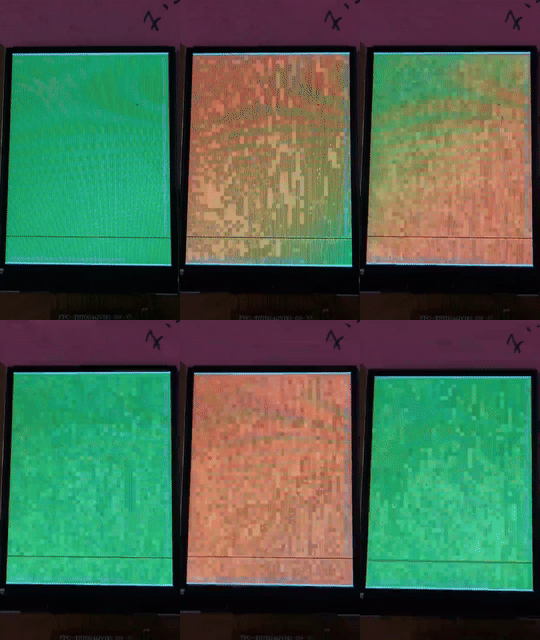
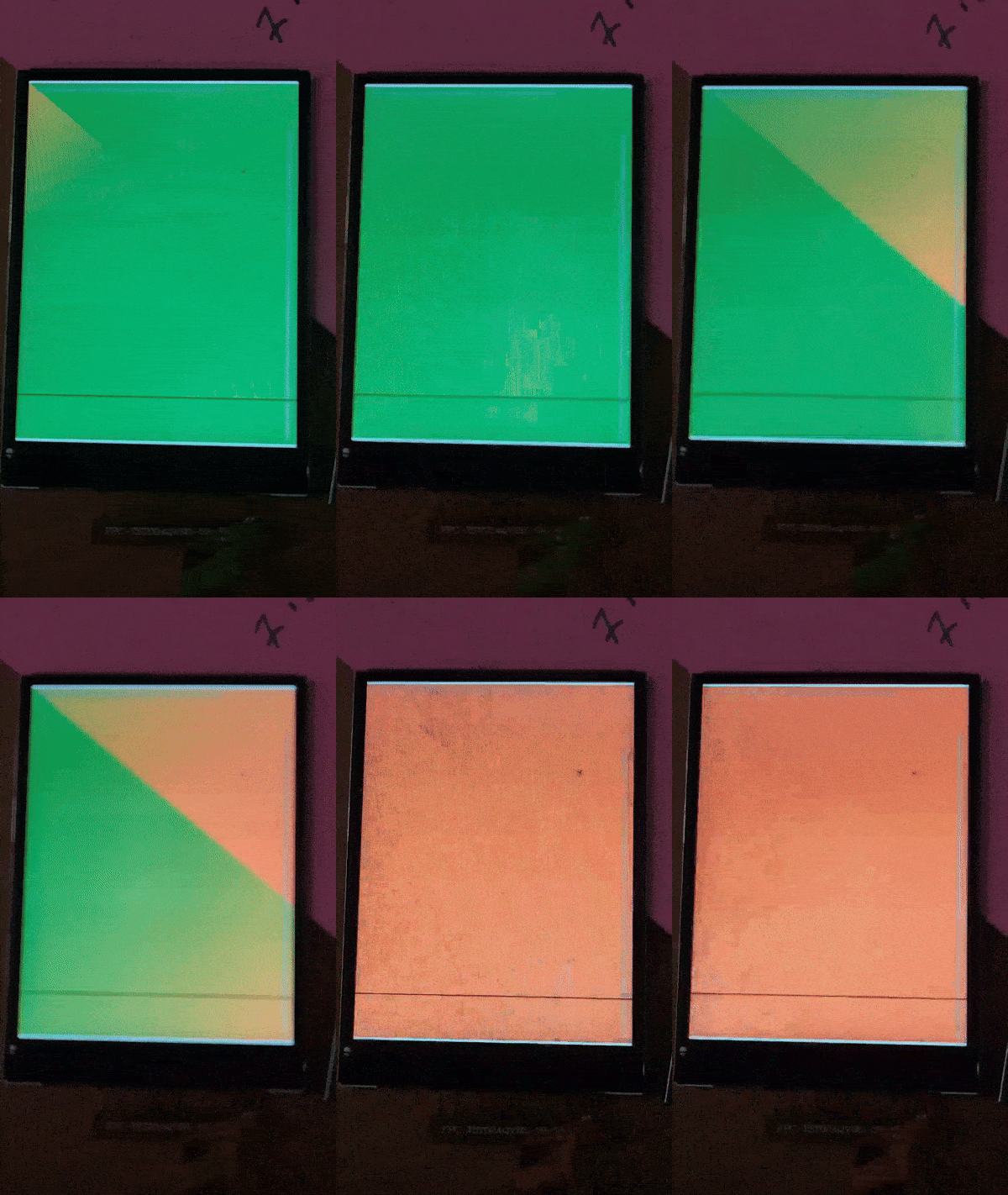
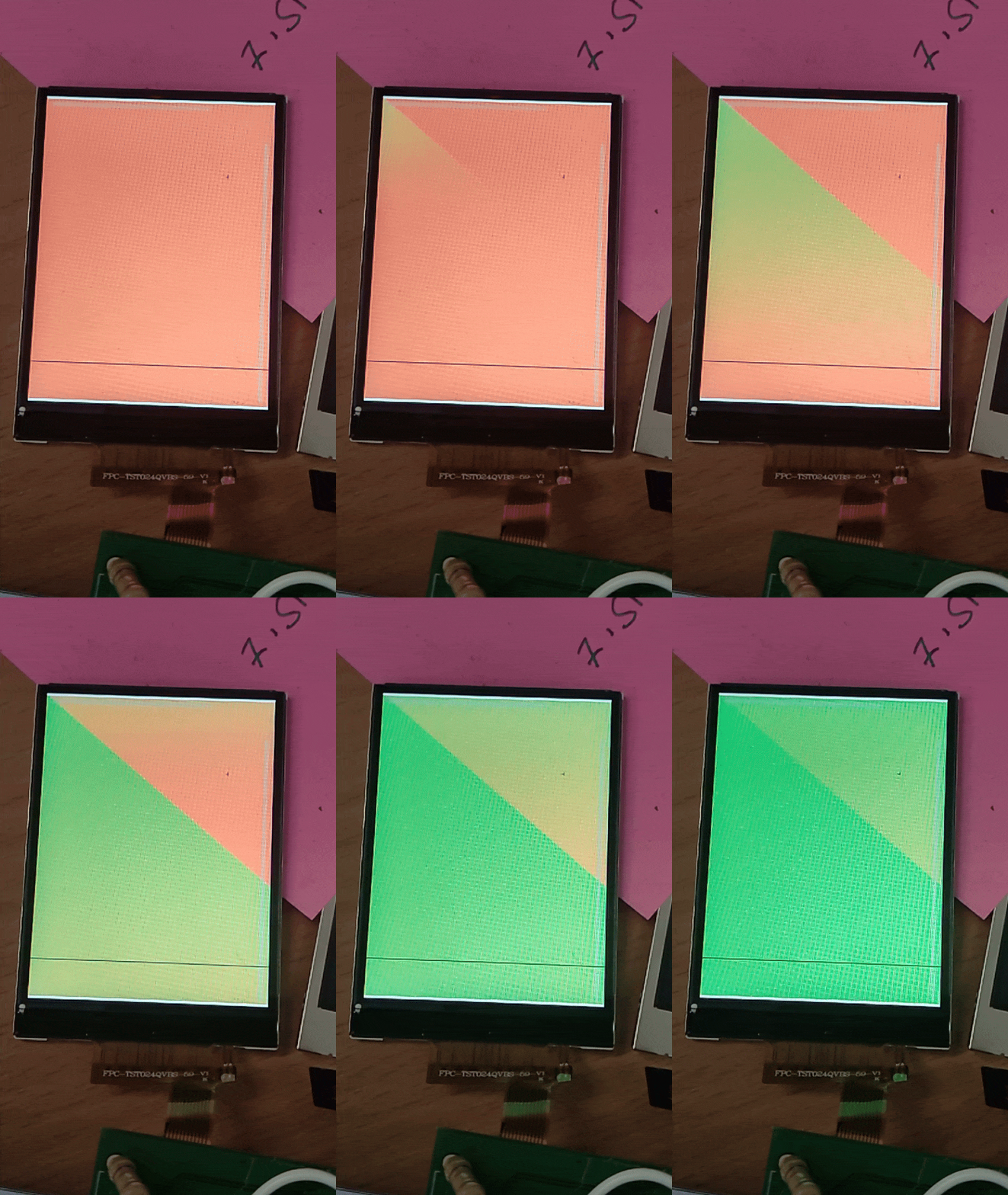
Correct me if i am wrong but having 2 full buffers should yield the best performance since i can always send one buffer out (also just the updated parts) while rendering the new one. I would expect the rendering process to also be a bit more efficient (compared to partial buffers) as only the dirty flagged objects will get re-rendered. Again: correct me if my assumptions/understanding is wrong.
Regarding the touch part: i am using an encoder input device. No touch whatsoever.
This is btw how my problem looks like
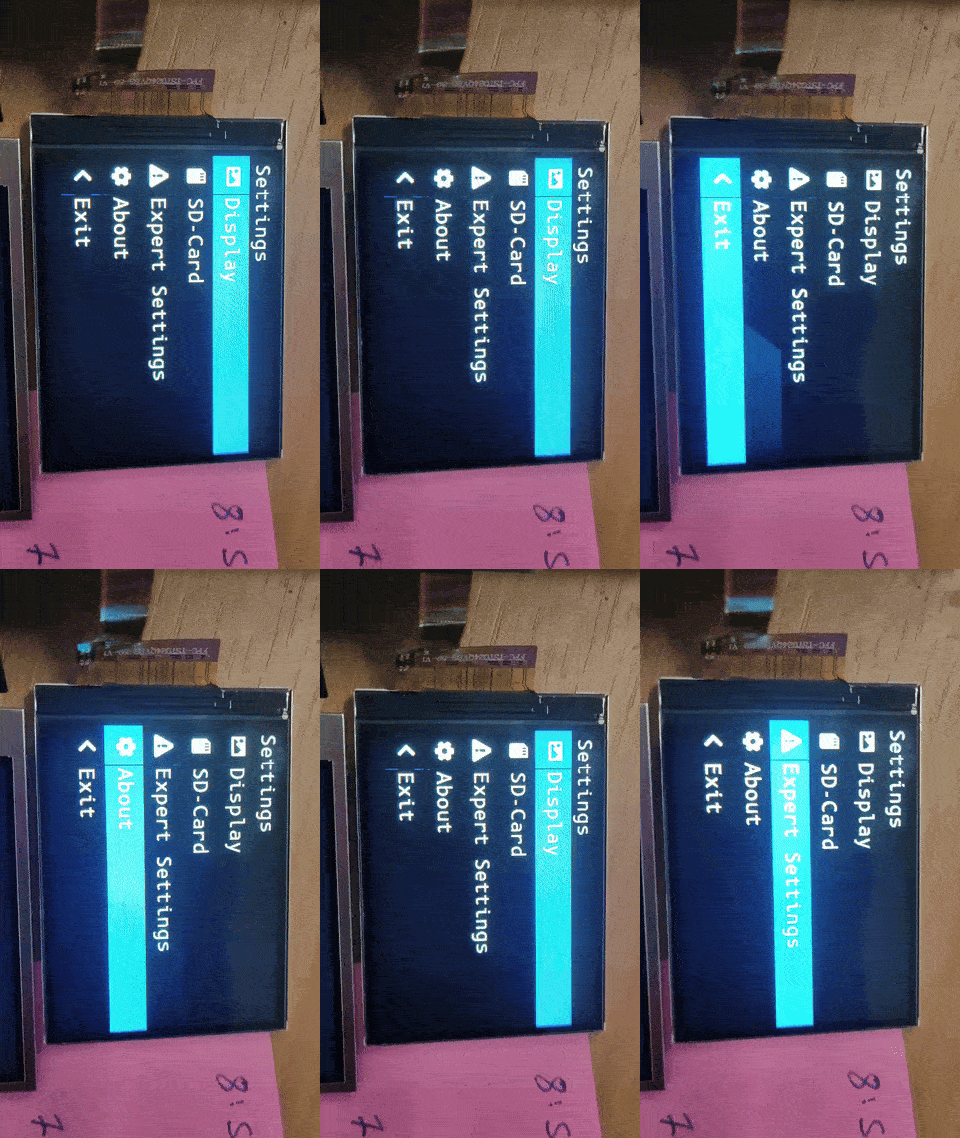
You can see the constant diagonal tearing line that occurs because i am sending data in rows but the display reads them in columns (or vice versa). Since i am synced on the TE signal the tearing is always at the same position.
This is my setup reduced to the relevant bits:
lv_color_t *buf1 = NULL;
	lv_color_t *buf1 = NULL;
	lv_color_t *buf2 = NULL;

	uint32_t buf_size = LCD_H_RES * LCD_V_RES * 2;

	buf1 = lv_malloc(buf_size);
	if (buf1 == NULL) {
		LV_LOG_ERROR("display draw buffer malloc failed");
		return 1;
	}

	buf2 = lv_malloc(buf_size);
	if (buf2 == NULL) {
		LV_LOG_ERROR("display buffer malloc failed");
		lv_free(buf1);
		return 1;
	}
	/* Create the LVGL display object and the LCD display driver */
	display = lv_st7789_create(LCD_H_RES, LCD_V_RES,
	LV_LCD_FLAG_NONE, lcd_send_cmd, lcd_send_color);
	lv_st7789_set_invert(display, true);
	lv_display_set_rotation(display, LV_DISPLAY_ROTATION_90);
	lv_display_set_color_format(display, LV_COLOR_FORMAT_RGB565_SWAPPED);

	// Enable TE output
	uint8_t txData[3] = {0};
        uint8_t cmdbuf = LV_LCD_CMD_SET_TEAR_ON;
	lcd_send_cmd(display, &cmdbuf, 1, txData, 1);

	lv_display_set_buffers(display, buf1, buf2, buf_size, LV_DISPLAY_RENDER_MODE_FULL);
Later i want to change LV_DISPLAY_RENDER_MODE_FULL to LV_DISPLAY_RENDER_MODE_DIRECT. For no i have FULL to test the drawing for full frame changes (that will occur in my design). Once this works i will (probably) change it back to DIRECT to reduce the required SPI transfers.
my flush callback are not the default ones as i use lv_st7789_create
lcd_send_cmd
static void lcd_send_cmd(lv_display_t *disp, const uint8_t *cmd,
		size_t cmd_size, const uint8_t *param, size_t param_size) {

	spi_handle->Init.DataSize =
	SPI_DATASIZE_8BIT;
	HAL_SPI_Init(spi_handle);
	/* DCX low (command) */
	HAL_GPIO_WritePin(dcx_port, dcx_pin, GPIO_PIN_RESET);
	/* CS low */
	HAL_GPIO_WritePin(cs_port, cs_pin, GPIO_PIN_RESET);
	/* send command */
	if (HAL_SPI_Transmit(spi_handle, cmd, cmd_size, HAL_MAX_DELAY) == HAL_OK) {
		/* DCX high (data) */
		HAL_GPIO_WritePin(dcx_port, dcx_pin, GPIO_PIN_SET);
		/* for short data blocks we use polling transfer */
		HAL_SPI_Transmit(spi_handle, (uint8_t*) param, (uint16_t) param_size,
		HAL_MAX_DELAY);
		/* CS high */
		HAL_GPIO_WritePin(cs_port, cs_pin, GPIO_PIN_SET);
	}
}
static void lcd_send_color(lv_display_t *disp, const uint8_t *cmd,
		size_t cmd_size, uint8_t *param, size_t param_size) {

	// primitive waiting for TE edge
	GPIO_PinState state = GPIO_PIN_RESET;
	while (state != GPIO_PIN_SET) {
		state = HAL_GPIO_ReadPin(D8_TE_GPIO_Port, D8_TE_Pin);
	}
	while (state != GPIO_PIN_RESET) {
		state = HAL_GPIO_ReadPin(D8_TE_GPIO_Port, D8_TE_Pin);
	}

	spi_handle->Init.DataSize = SPI_DATASIZE_8BIT;
	HAL_SPI_Init(spi_handle);
	HAL_GPIO_WritePin(dcx_port, dcx_pin, GPIO_PIN_RESET);
	/* CS low */
	HAL_GPIO_WritePin(cs_port, cs_pin, GPIO_PIN_RESET);
	/* send command */
	if (HAL_SPI_Transmit(spi_handle, cmd, cmd_size, HAL_MAX_DELAY) == HAL_OK) {
		/* DCX high (data) */
		HAL_GPIO_WritePin(dcx_port, dcx_pin, GPIO_PIN_SET);
		/* for color data use DMA transfer */
		spi_handle->Init.DataSize = SPI_DATASIZE_8BIT;
		HAL_SPI_Init(spi_handle);
		HAL_SPI_Transmit_DMA(spi_handle, param, UINT16_MAX);
		/* NOTE: CS will be reset in the transfer ready callback */
	}
}
I have an implementation that handles large SPI DMA transfers as STM32 only allows 65535 bytes to be transferred in a single transfer (changing it to 16bit lengths would help but this seems very buggy in STMs DMA implementation). I removed this part for this example.