I am running into a problem where some pixels are not getting rendered as expected.
My use case is, I have a text label that I change values on based on user input. The text label is centered inside another object.
To set the text label to “value” (for example), I use:
lv_label_set_text(label_obj, “value”);
lv_obj_align(label_obj, NULL, LV_ALIGN_IN_BOTTOM_MID, 0, -10);
To clear out the text label, I use a space character:
lv_label_set_text(label_obj, " ");
lv_obj_align(label_obj, NULL, LV_ALIGN_IN_BOTTOM_MID, 0, -10);
This seems to work OK, but I see a few pixels hanging around in the VDB from the previous value, so I get a few incorrect pixels showing up on the display when the values change.
What is the best way to set a new text label value and keep it centered, based on the new value?
I tried it in the PC simulator with the same code, and it doesn’t happen.
On my MCU I am using DMA, so maybe it is an issue with memory updates/caching?
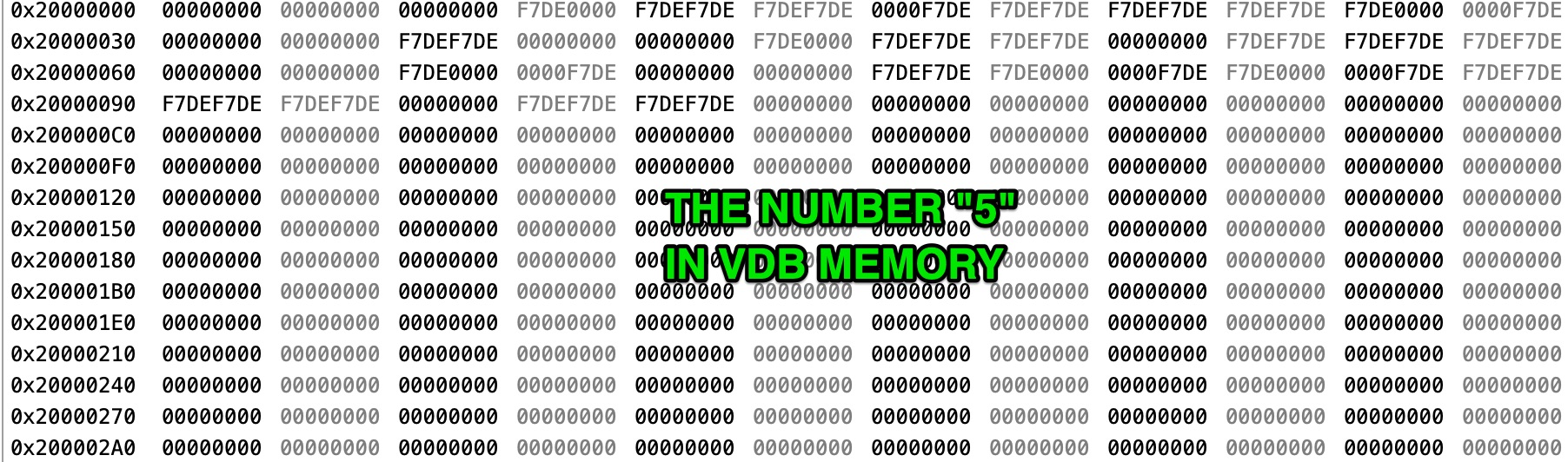
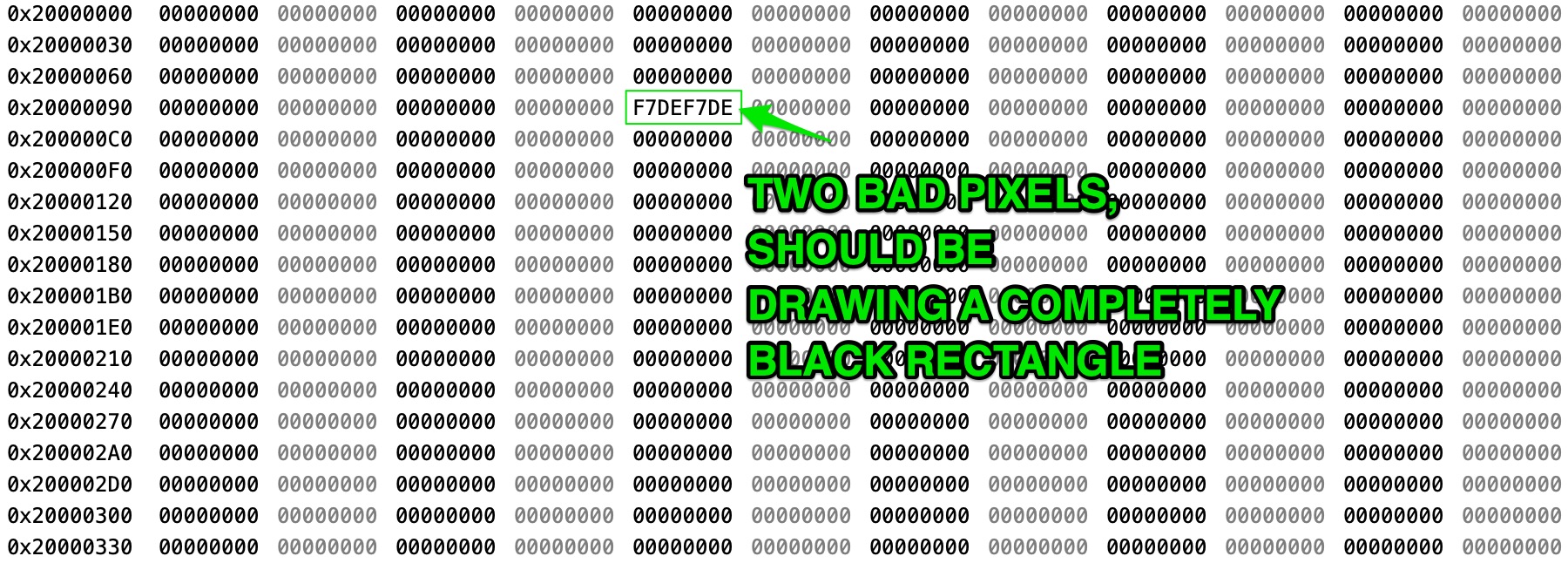
Is there a good breakpoint in the lvgl VDB routines to see exactly what is written to the VDB for each pixel and memory location? When I break during the flush, I can see in memory that the bad pixels are present before being sent out. It looks like the bad pixels are the last word that was used for the previous update in memory.
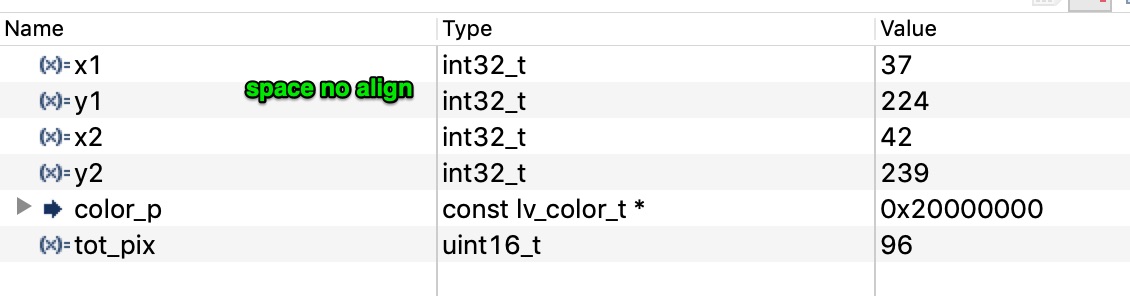
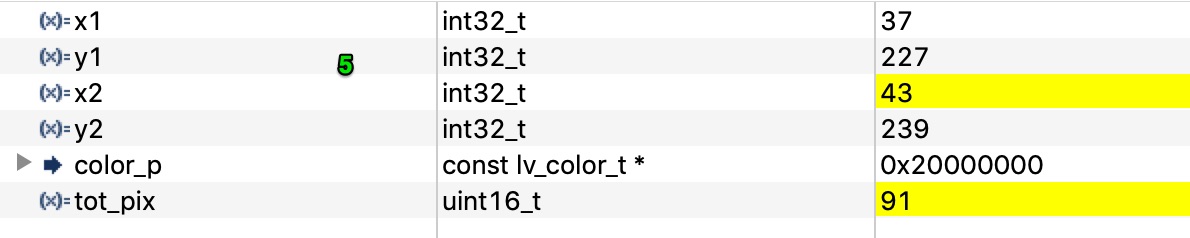
OK, I tried with a custom font in the simulator, but don’t see the issue then either. I took some debug from the MCU when updating the label, both with and without alignment, and I see why it isn’t updating correctly, but not sure how to fix it.
Here are the two updates without alignment. This is captured inside the display_flush, notice the total pixels being updated (tot_pix) are equal for both “5” and " ".