Hi everyone,
I’d like to share a small open-source project built with LVGL v9: a desk display that shows the usage limits of AI services such as Claude, ChatGPT, GitHub Copilot and Cursor, as rings or bars with a countdown until each limit resets.
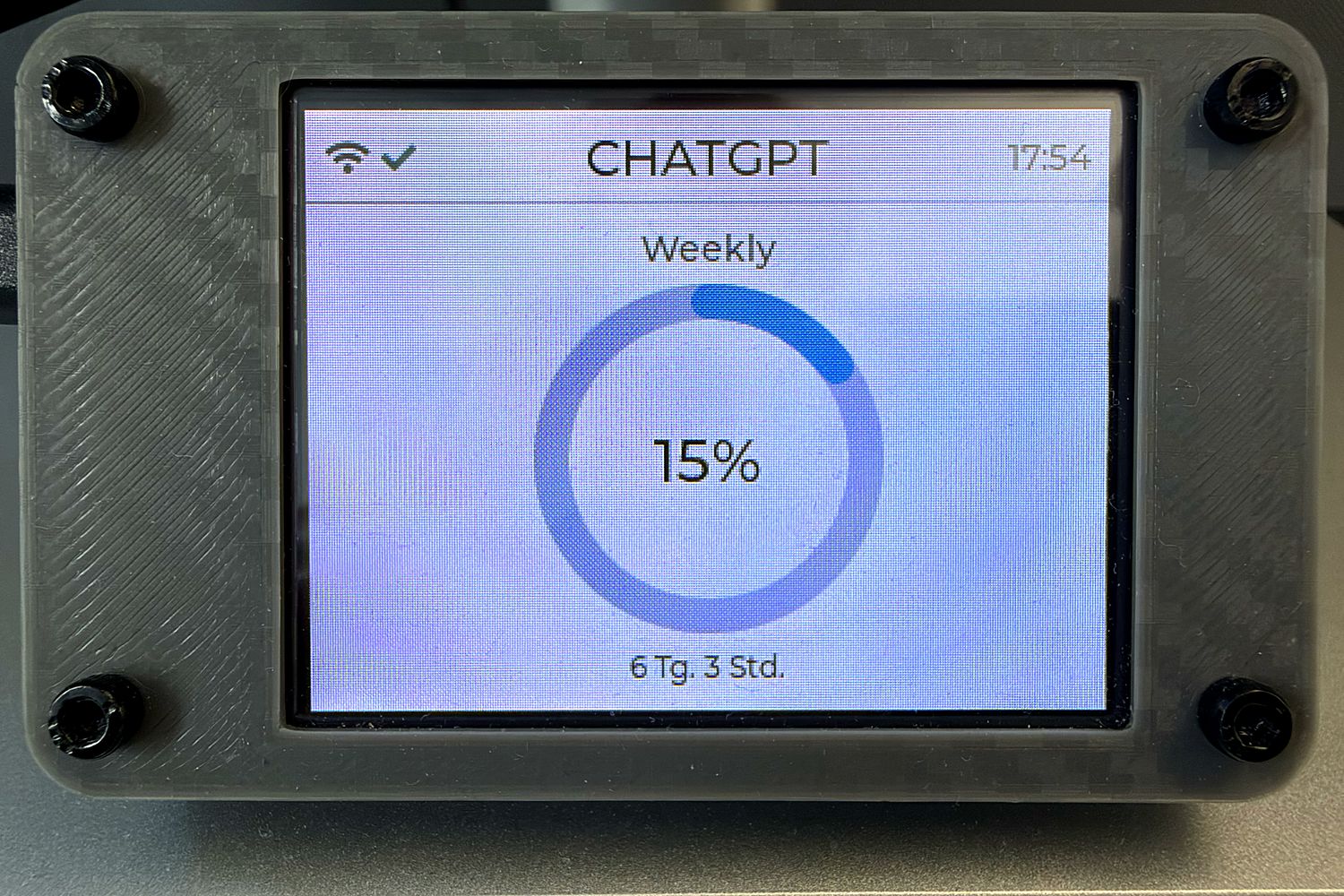
Hardware: ESP32-2432S028R “Cheap Yellow Display” (2.8", 320 × 240), ILI9341 or ST7789, driven through TFT_eSPI.
The LVGL side
- LVGL 9.5.0, pinned exactly because of API changes between 9.x minors
- Ring view built from
lv_arc(rotated to start at 12 o’clock, full 360° background), bar view fromlv_bar, up to three usage rows per provider - A custom 76 px font for the standby clock, shown when the companion app is not connected
- Portrait and both landscape orientations, light and dark theme
- Data arrives as JSON over USB serial from a companion app on macOS (Windows as a beta) and is parsed with ArduinoJson
Source (MIT): GitHub - tobymarks/esp32-ai-monitor: Desk display for Claude, ChatGPT, Gemini, Copilot, Cursor and Antigravity usage limits — ESP32 CYD plus a macOS companion app, powered by the CodexBar CLI over USB · GitHub
Step-by-step build guide: https://www.hackster.io/toby-marks/esp32-desk-display-for-claude-and-chatgpt-usage-limits-71d7e3
Feedback on the UI code is very welcome.