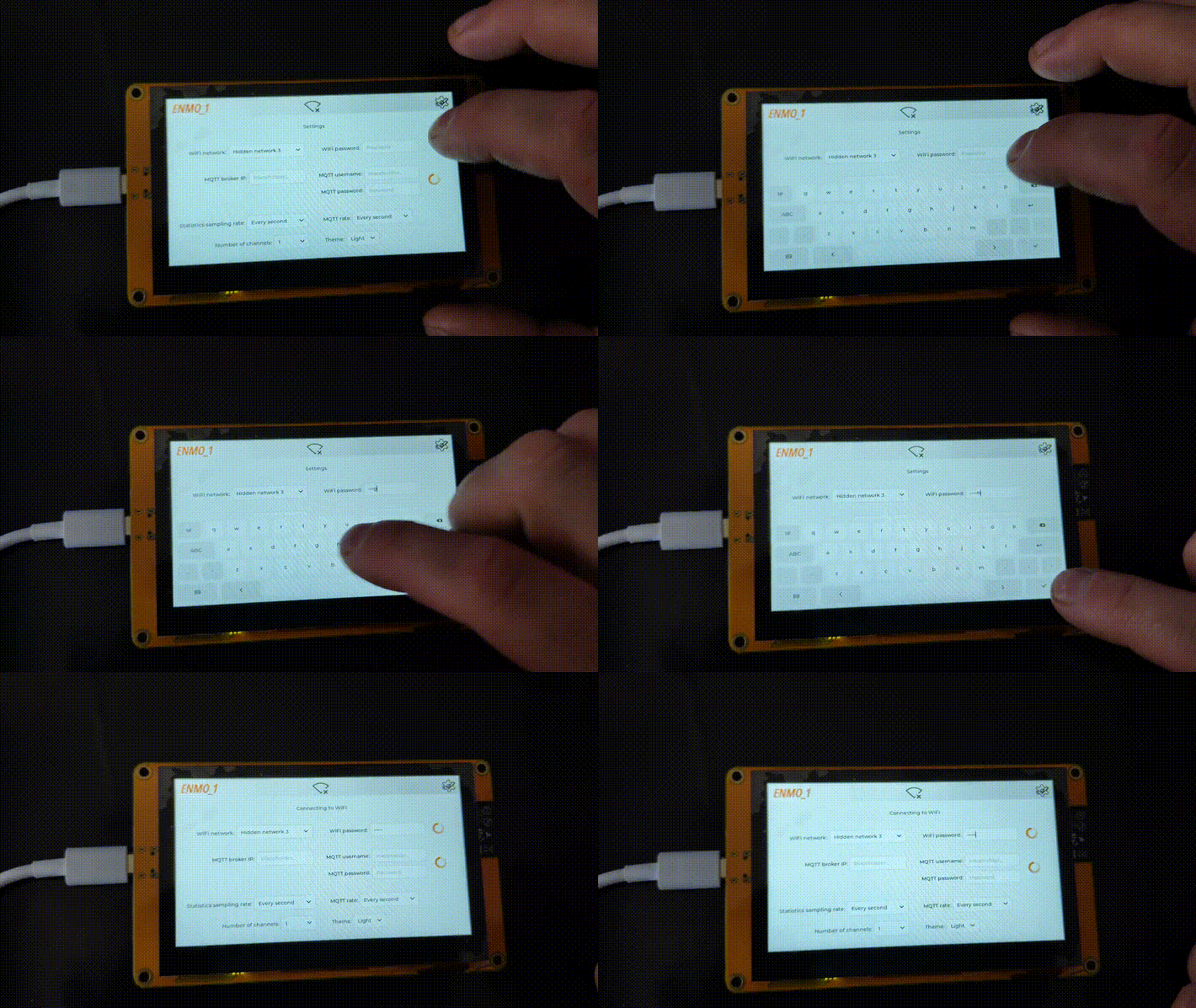
The way I did it was:
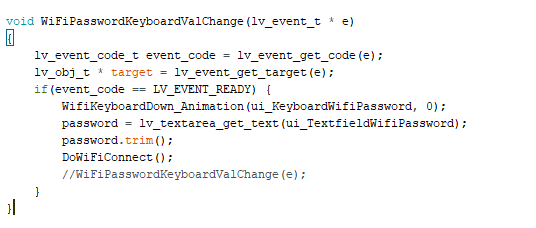
The keyboard is below the screen draw area by default, and when the text field is clicked, an ‘event’ runs an animation of the keyboard’s Y position to bring it up. Then a down animation is executed in the code, in the next bit:
The way to do something when the checkmark button is pressed (is that the one you mean?) is to create an event on the keyboard which calls a custom function that is triggered by “READY”
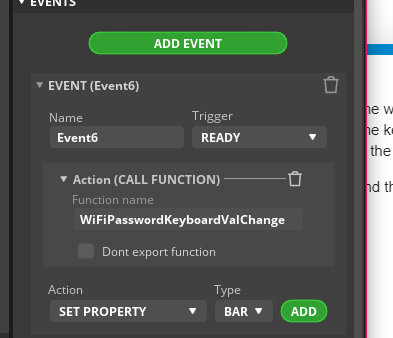
This gets exported from SquareLine as a function into which the event is passed. I’m not sure if you need to check what key was pressed again, but I do in mine and it works exactly as expected - what you need to check for is “LV_EVENT_READY”.
and you get this (but yours would be a different keyboard, and ignore the display glitching thats something else)